Warehouse time clock: face clock-in for pickers, packers and temp staff at one dock door
- FaceClock Team
- Use cases
- October 1, 2026
Table of Contents
The week before Black Friday, a mid-size warehouse might go from 40 people on a shift to 85. Most of the new ones arrived through an agency on Monday. By Thursday nobody on the floor knows half the names, the fire marshal wants to know who’s in the building, and the agency has already emailed asking for the hours report.
Then the invoice comes in 37 hours higher than your own count. Who’s right?
With a paper sheet, nobody can say. With a face clock at the staff door, you open the export, filter by agency and look at the photos. That’s the whole case for it, and it’s a strong one in a business where headcount swings by half between August and December.
We make FaceClock. Below is how it works on a warehouse door and, near the end, the places where it doesn’t.
The setup
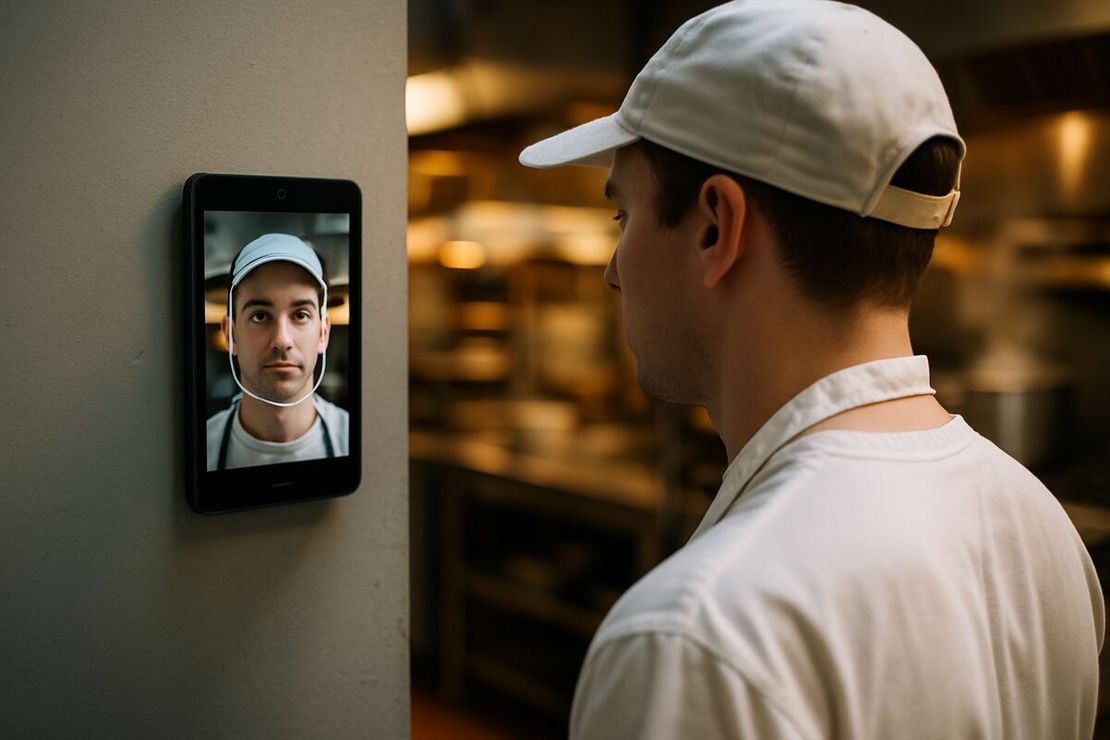
One Android tablet at the staff entrance, at face height, plugged in. The staff entrance, not the loading dock.
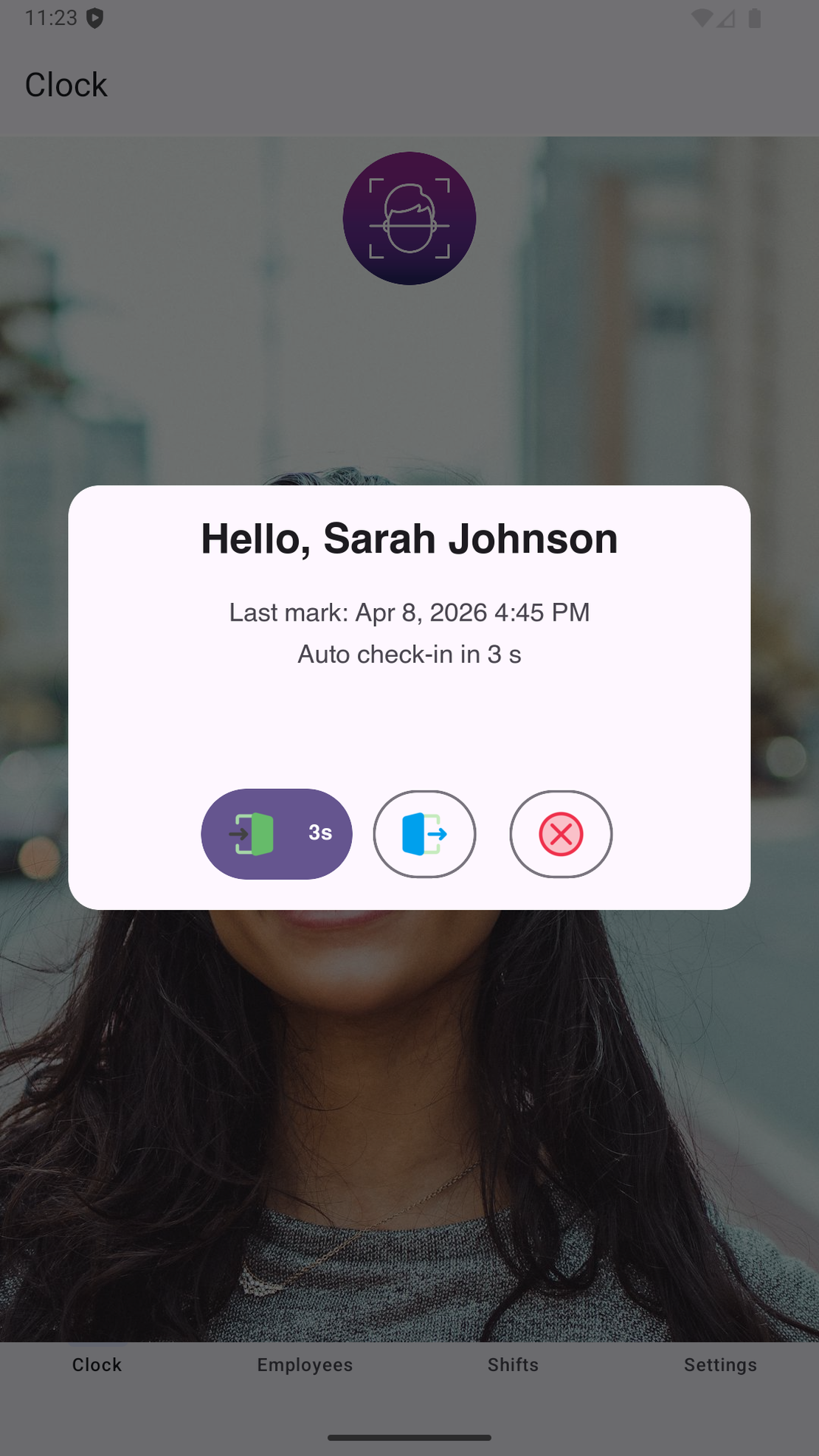
A new worker registers on their first shift. The app sees a face it doesn’t recognize, the worker types their name, it takes a reference photo. About thirty seconds, and agency temps do it exactly the same way as permanent staff. Nobody hands out cards or PINs, so nobody has to collect them when the assignment ends.
After that, clocking in is a tap and a look. The app matches the face on the device and stores the time with a photo. No network needed: FaceClock has no internet permission, so there’s nothing for IT to configure either.
Agency hours
This is where the photo earns its keep. An agency bills by the hour. You need your own record, and “our supervisor thinks Dimitri left early on Tuesday” isn’t one. A timestamp plus a picture of Dimitri at the door is.
Each week, export a CSV for payroll and one per agency. When the numbers don’t match, send the PDF export with photos. Most disputes end there.
Punches can’t be edited in the app, by anyone. Not your supervisor, not the agency’s on-site rep. Corrections for a forgotten clock-out go into the payroll sheet with a note, and the original stays.
When an assignment ends, delete the person from the employee list the same day. Their profile, reference photo and face data leave the device. Their shift records stay until the automatic 90-day cleanup.
Cold store, gloves and RF guns
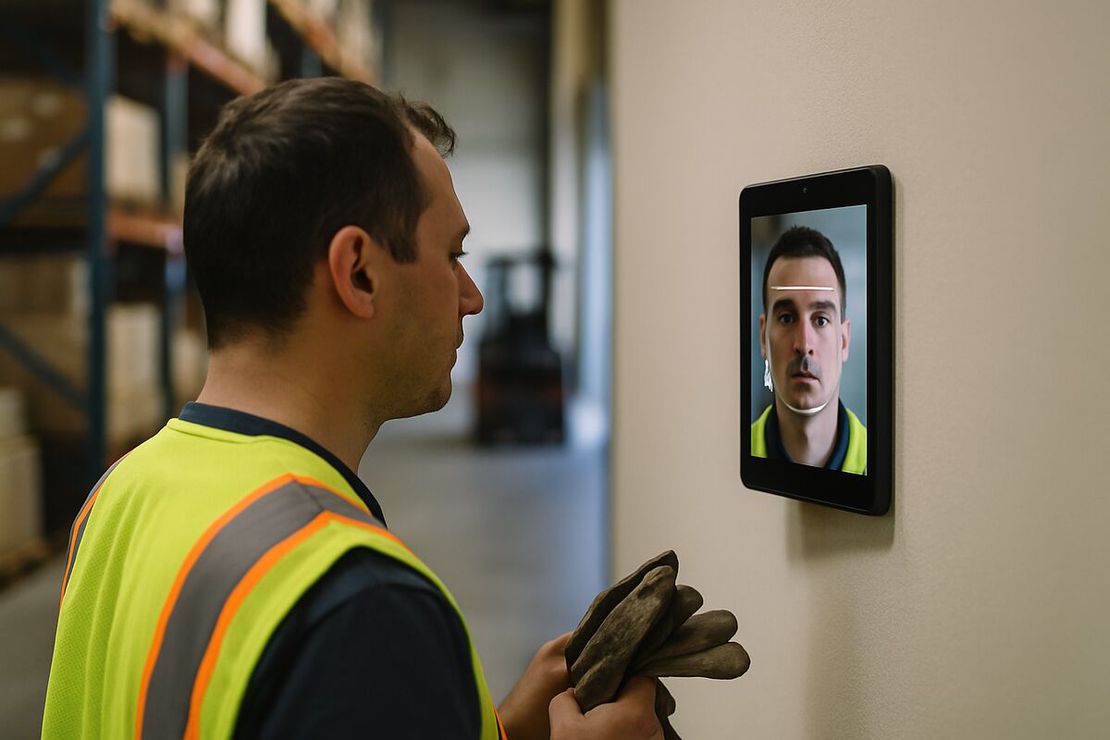
Pickers wear gloves and carry an RF gun. A face clock doesn’t care about either, which is one of the main reasons warehouses move away from fingerprint readers.
Cold store is trickier. Balaclavas, hoods and face covers block recognition, so the tablet goes in the heated area before people kit up. That’s usually where the paid shift should start anyway. Very cold air also slows tablets down, so keep it on the warm side of the door.
Who’s in the building right now? Shifts without a clock-out show as open in the log and in the CSV status column. Good enough for a quick roll call. For an evacuation you want a proper muster system.
Peak headcount
About 50 people per device is comfortable. A peak shift of 120 through one door means a queue and slower matching. You can add a second entrance with its own tablet, but the devices don’t share rosters, so people register on the one they actually use and you merge the exports.
If that sounds clumsy for your operation, it probably is. FaceClock isn’t the tool for:
- distribution centers with more than about 50 people per door per shift;
- live labor dashboards across several sites, or WMS and payroll integrations;
- staff who arrive already masked or hooded;
- Illinois and other strict-biometric places where you can’t get written consent or offer an alternative. See biometric time clocks and the law.
What to do before peak
- Mount the tablet inside the heated zone at the staff entrance, with light from the front.
- Set the maximum shift length to your longest shift plus an hour.
- Give staff and agencies a short notice about what’s captured and for how long, plus a paper opt-out.
- Make “delete from the tablet” part of the last day of every assignment.
- Export weekly. The app is free and there’s no per-worker fee, but it keeps shifts for only 90 days.
For a broader comparison of time clock types, see the facial recognition time clock guide. For rotas, nights and rest rules, see shift scheduling fundamentals.
Try it on a phone you already own.
FaceClock runs on most Android devices from the last five years. Install it, mount it by the door, and your team registers itself on the first clock-in. Shifts start logging the same day. No account. No card.