Time clock for staffing agencies: proving temp workers' hours at the client's door
- FaceClock Team
- Use cases
- October 24, 2026
Table of Contents
Every staffing coordinator knows the Monday email. The client says 22 temps worked last week. The agency’s timesheet says 26. Somewhere between the two is a forklift driver who “was definitely there Thursday” and a packer who signed in for a friend.
Neither side is lying, exactly. They’re just both working from paper that somebody filled in after the fact.
This page is about putting one face-recognition clock at the client’s door so both sides look at the same record. We make FaceClock, so take the recommendation with that in mind, and read the section on where it doesn’t fit.
Who should own the device
This is the first decision and people skip it.
The client owns it. A food plant takes 30 temps from two agencies. It mounts a tablet at the staff entrance, everyone clocks in there, and every Monday the plant sends each agency a CSV with that agency’s people. The plant controls the record, which is what it wants when it’s paying the invoice.
The agency owns it. The agency puts its own tablet at a long-term client site, say a warehouse it staffs for six months. The site lead exports weekly and attaches the PDF to the invoice. The agency controls the record, which is what it wants when hours get disputed.
Both work. What doesn’t work is one tablet that both sides think the other one is responsible for.
How a temp’s first day goes
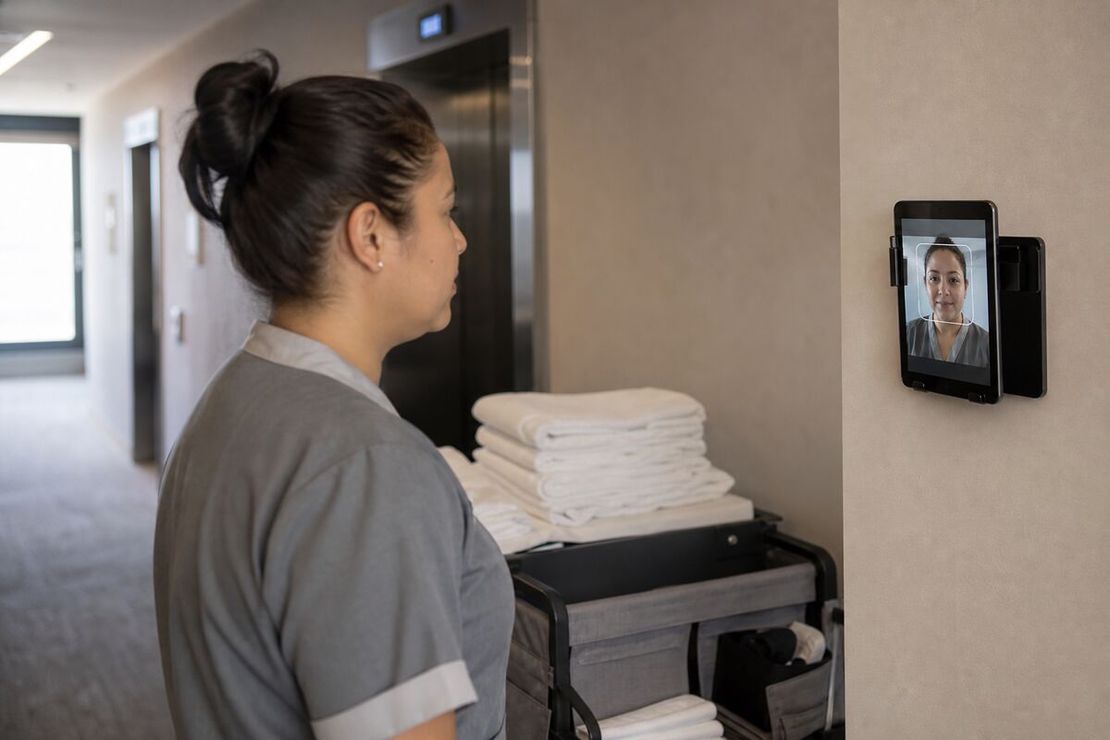
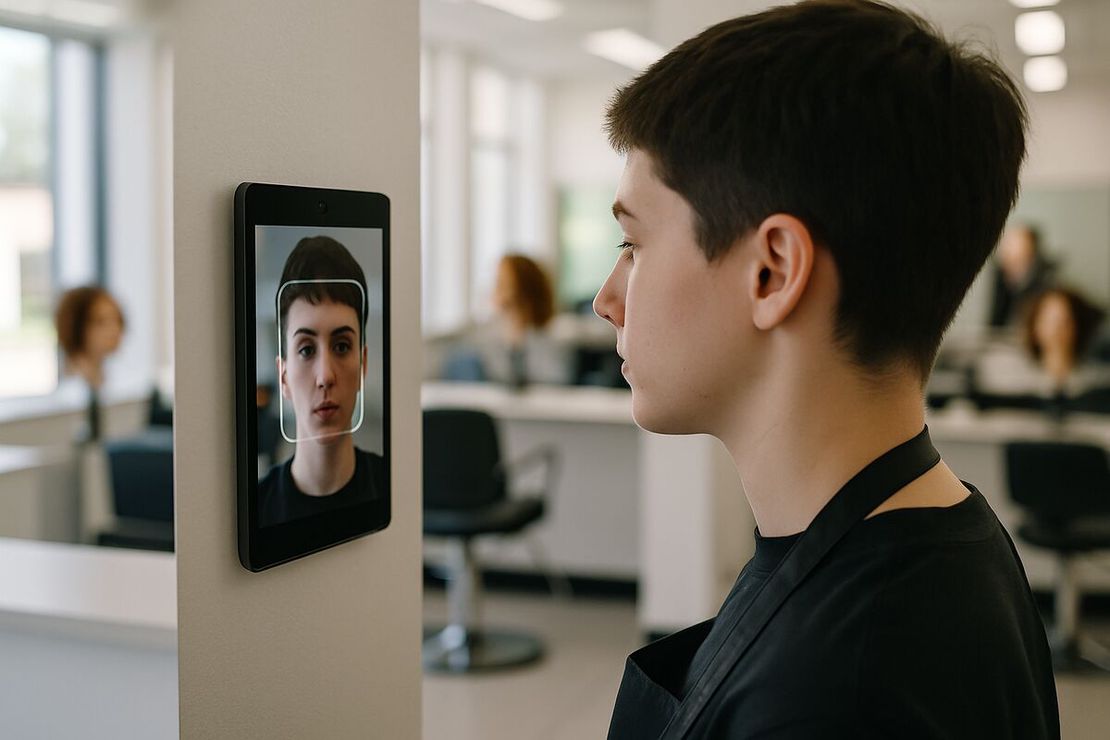
The temp arrives at 6:45, sees a tablet by the door, taps the button. The app doesn’t recognize the face and asks for a name. One reference photo, about thirty seconds, and the shift has started.
No app on the worker’s phone. No account, no PIN, no badge that needs printing the night before. For a worker who might be at this site for three days, that’s the whole point.
At the end of the shift, tap and look again. The record has a start time, an end time, a duration and two photos.
Settling the Monday email
Here’s what changes. When the client says 22 and the agency says 26, someone opens the PDF export. Each shift shows the worker’s name, the in and out times, and the photo taken at each punch. Four extra names either have photos or they don’t.
Most disputes end there. The ones that don’t are usually about breaks or about someone who clocked in and then left early, and the out-photo answers those too.
One thing FaceClock deliberately won’t do: let anyone edit a shift. Not the client, not the agency, not the site lead. If somebody forgot to clock out, the original record stays and the correction goes into the invoice or the payroll sheet with a note. For a record two companies have to trust, that’s a feature.
Day labor laws: Illinois as the example
Several US states regulate day and temporary labor specifically. Illinois has the most detailed version, the Day and Temporary Labor Services Act, which puts record-keeping duties on both the agency and the client company, including a record of hours worked by each laborer per day at that client.
FaceClock doesn’t produce any official form. It gives you a timestamped, photographed record per worker per day, which is the raw material those forms are built from. Check your own state.
Illinois is also the home of BIPA. A temp’s face is biometric data, the same as an employee’s, and BIPA wants written consent before the first scan. Which company collects that consent depends on who owns the device, which is one more reason to settle ownership first. See biometric time clocks and the law.
Delete people when the assignment ends
Temps rotate fast. When an assignment ends, delete the person from the employee list on the device. That removes their name, reference photo and face data. Their shifts stay in the history until the automatic 90-day cleanup, so the last invoice can still be checked.
Make it a rule with a name on it: whoever closes the assignment deletes the profile the same day.
Practical limits
- About 50 people per tablet. A site with 120 temps on one shift needs several entrances with their own devices, and each device keeps its own roster. Workers register on the tablet at the door they actually use.
- No GPS, no mobile clock-in. If your temps go to a different address every day, like event crews or home care, a wall tablet is the wrong tool.
- No integration with agency software. Exports are CSV and PDF. Someone imports or retypes them.
- No live view across sites. Each device is offline and separate. An agency staffing 15 clients won’t get one dashboard.
- English and Russian interface. The clock-in screen is a button and a camera, so language rarely matters there. The manager screens are English or Russian.
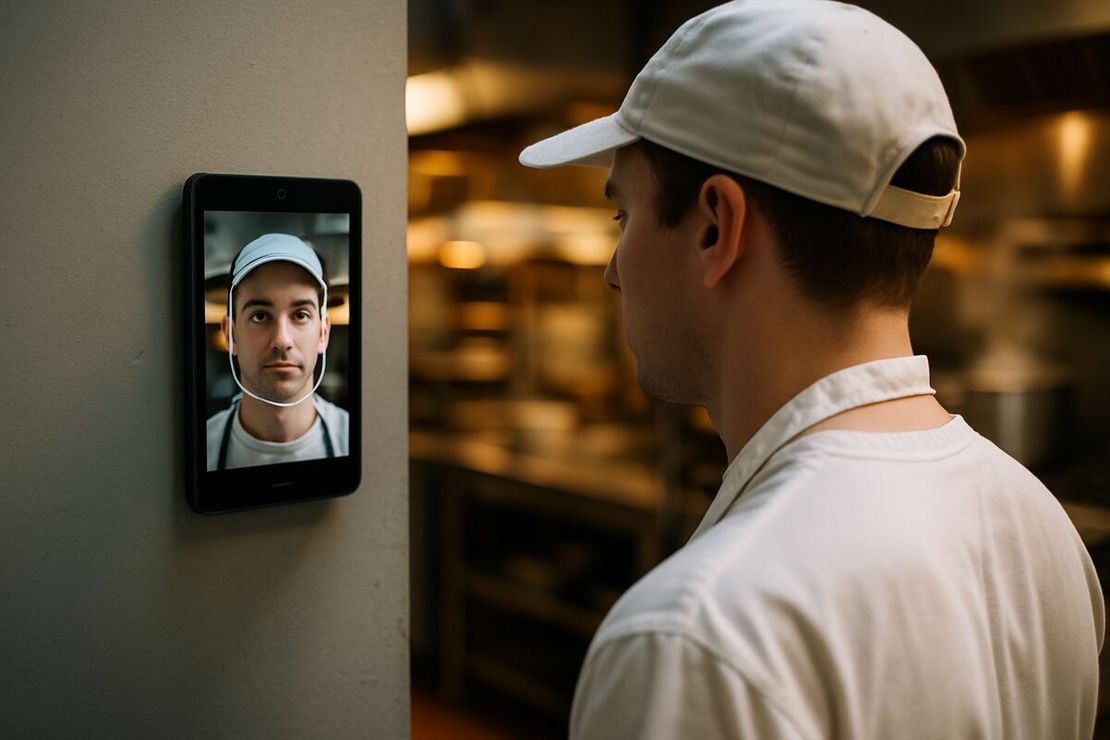
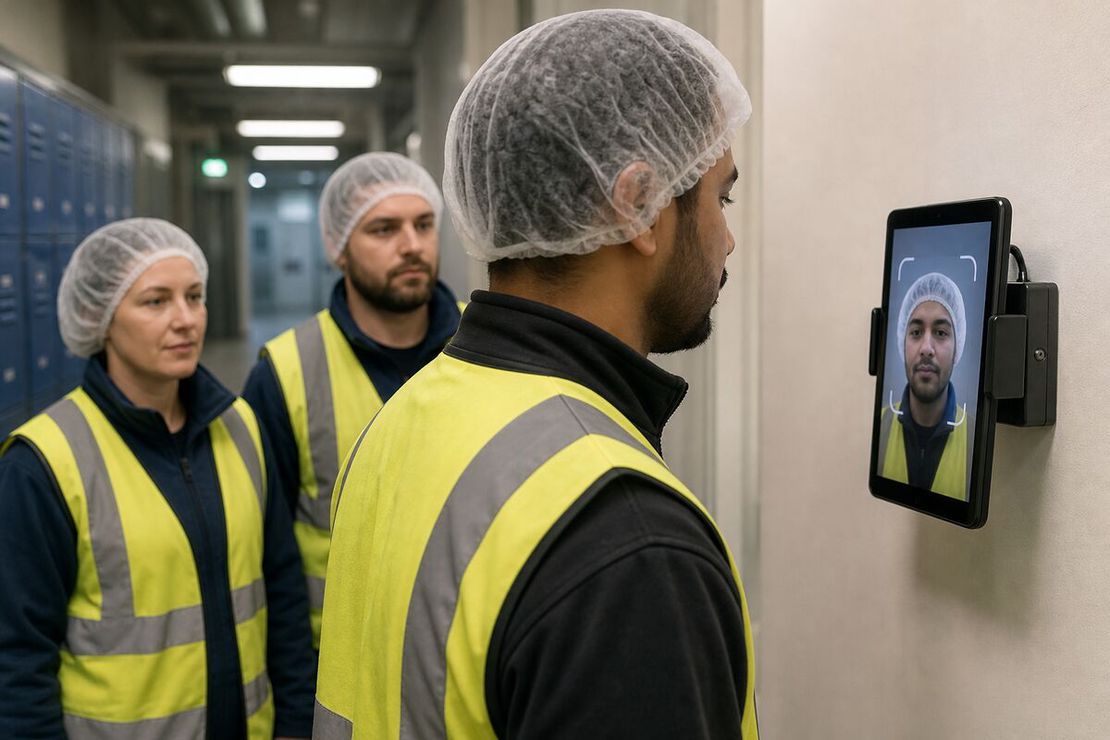
- Masks and hairnets. Hairnets and caps are fine, as you can see in the photo above. Face masks and respirators need to come off for a second, so put the device before the hygiene lock, not after it.
What it costs
The app is free. A refurbished Android tablet (7.0 or newer) runs $100 to $150. No per-worker fee, which is the line item that kills most time-tracking subscriptions in staffing, where you might have 40 people one week and 9 the next.
If you’re running the client side and staffing a warehouse, the warehouse time clock page covers the shift-change rush and cold rooms. For turning exports into payroll without a cloud account, read tracking employee hours without the cloud.
Try it on a phone you already own.
FaceClock runs on most Android devices from the last five years. Install it, mount it by the door, and your team registers itself on the first clock-in. Shifts start logging the same day. No account. No card.