Retail store time clock: a tablet in the stockroom instead of PINs at the register
- FaceClock Team
- Use cases
- October 24, 2026
Table of Contents
In a lot of small shops, clocking in happens at the register. You type a four-digit code into the POS, the till prints nothing, and the hours go somewhere the owner looks at once a fortnight.
Everyone knows everyone’s code. That’s the problem.
A 9-person clothing boutique I’m thinking of had a weekend assistant whose code was her birth year. By spring the whole team knew it, and she was “in” at 9:58 on a Saturday when she was actually still on the bus. Not a big theft. A few hours a month. It still adds up, and it sours things when someone finally notices.
We make FaceClock, a time clock that recognizes faces on one Android device. Here’s how it fits a shop, and where it doesn’t.
Why the stockroom, not the counter
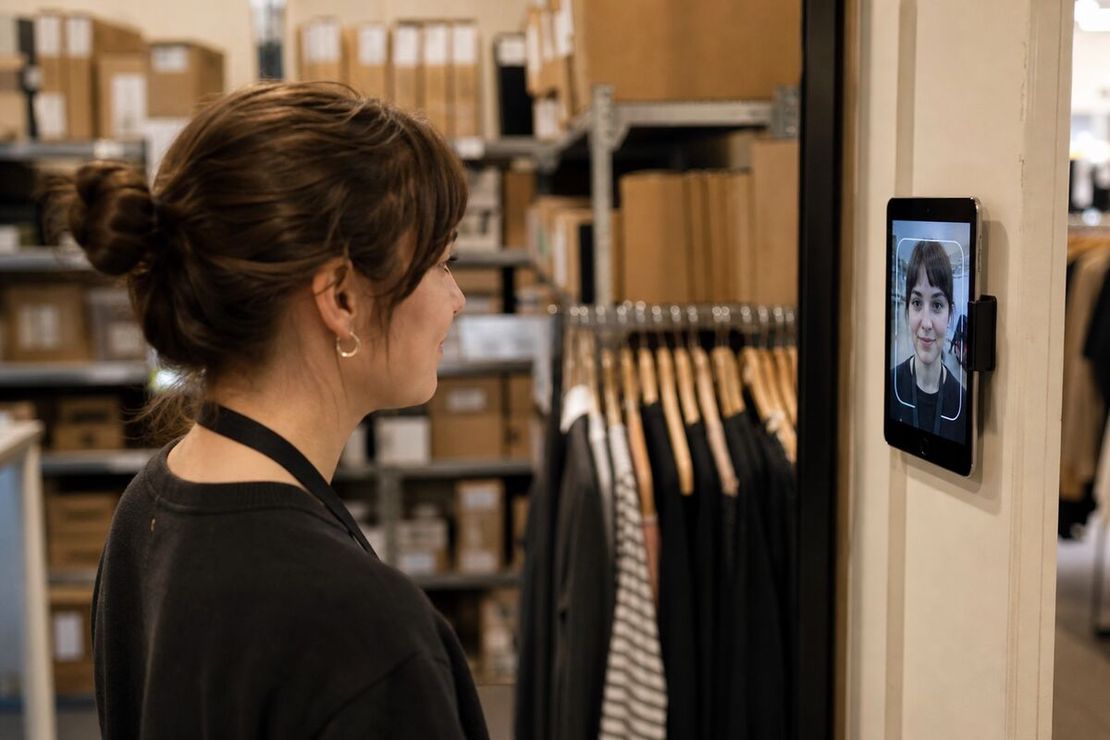
Put the tablet in the back. Next to the staff lockers, the rota on the wall, or the door between the stockroom and the shop floor.
Three reasons:
- Customers don’t see it. A camera pointed at the counter makes some customers uncomfortable, even if it’s only looking at staff.
- It’s where the shift really starts. People drop their coat and bag in the back first. The clock is on the way.
- The light is predictable. Shop floors have spotlights and big windows. A stockroom has flat ceiling light, which is what recognition likes.
What staff actually do
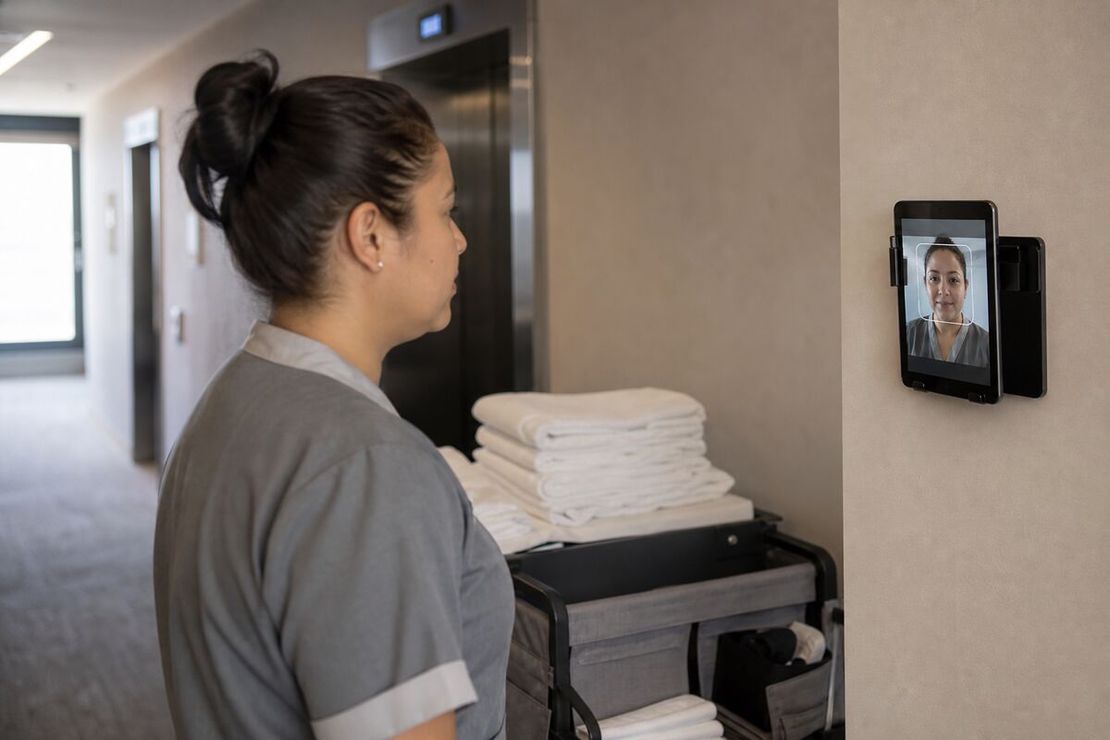
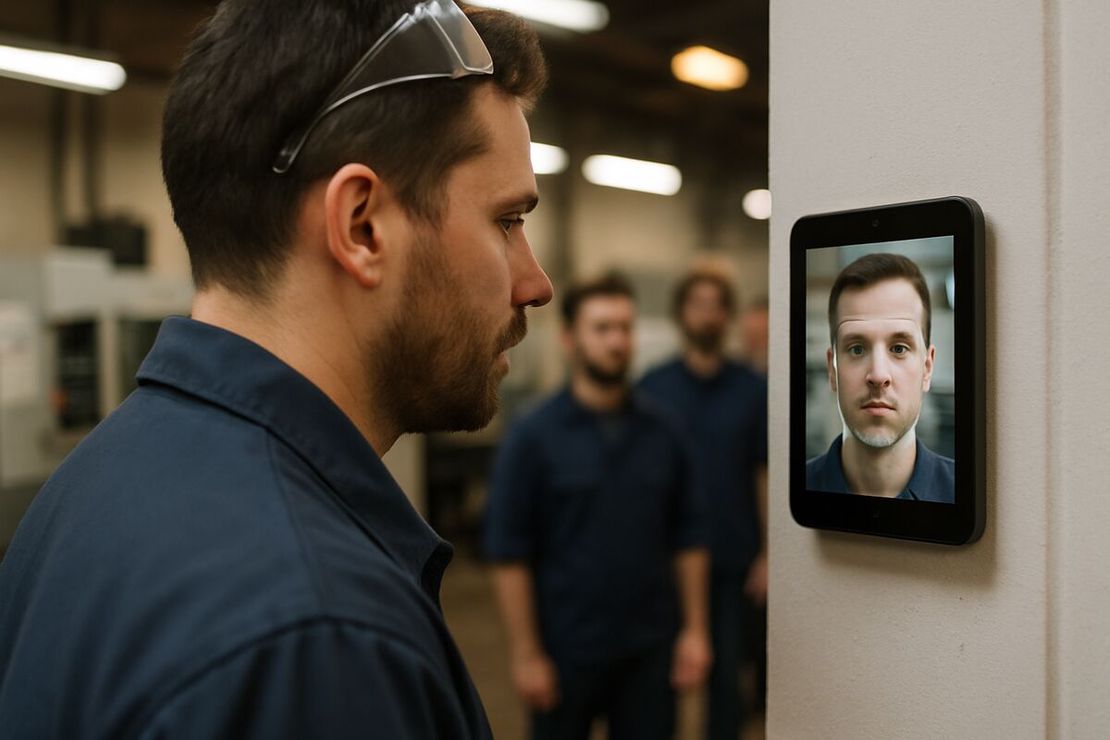
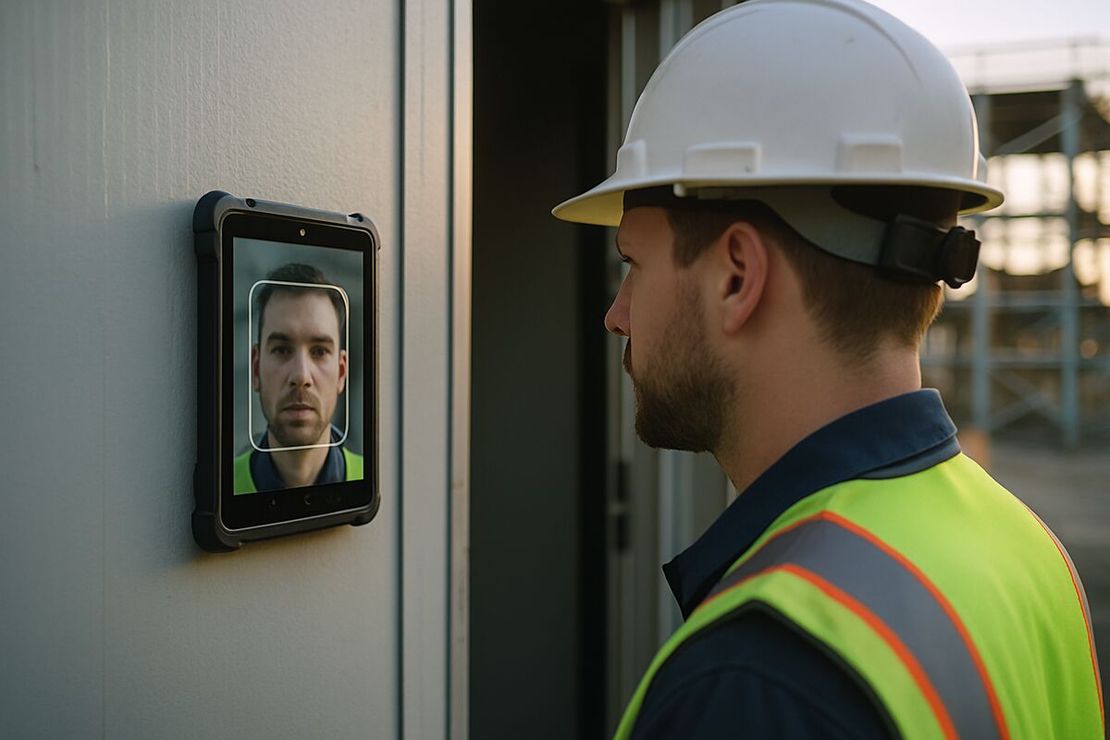
Tap, look at the camera, done. FaceClock recognizes the face on the device and saves the time with a photo. Under a second.
A new hire on their first Saturday registers themselves: the app sees an unknown face, asks for a name, takes one reference photo. The manager doesn’t need to be in that day. That’s handy in December, when the shop takes on three seasonal people who all start on different days.
Nothing is installed on anyone’s phone, and nothing goes online. FaceClock has no internet permission, so it doesn’t share the shop Wi-Fi with the card terminal and doesn’t need IT.
Short shifts, many people
Retail rotas are chopped up. A 4-hour Saturday shift, a 6-hour Thursday, someone covering lunch for 90 minutes. That’s a lot of punches for a small team, and every one of them has a photo attached.
At the end of the week you export:
- CSV with name, clock-in, clock-out, duration and status. Payroll imports it or someone copies it into a spreadsheet.
- PDF with the same data plus the photos. You won’t need it every week. You’ll be glad it exists the week someone disputes a shift.
Shifts can’t be edited in the app. If someone forgot to clock out at 18:00, the record stays open and the correction goes into the payroll sheet with a note. Nobody, including the manager, can quietly move a punch.
Fair workweek laws
Oregon, Seattle, San Francisco, Chicago, Philadelphia, New York City and a few other places have fair workweek or predictive scheduling laws that cover retail. Typically: publish schedules in advance, pay a premium when you change them late, and sometimes give a rest gap between a closing and an opening shift.
FaceClock doesn’t do scheduling, so it won’t publish rotas or calculate premiums. What it gives you is the other half: what time people actually started and finished. If you ever have to show that a “clopen” really did have 10 hours between shifts, the punch history with photos is the evidence. Our shift scheduling guide covers how to build rotas that stay inside these rules.
Minors and Saturday jobs
Lots of shops employ 16 and 17 year olds. Many US states limit their hours and require a meal break after a set number of hours. A face clock helps here only in the boring way: you have exact times, so you can see when a Saturday shift ran 20 minutes past the limit.
Biometric consent for minors needs extra care. Under GDPR in the EU, and under state laws like Illinois BIPA, a parent or guardian may need to be involved. If in doubt, give minors the paper sign-in option. More in biometric time clocks and the law.
What it costs
The app is free. Any Android tablet or phone from Android 7.0 up will do, and a refurbished one is $100 to $150. There’s no per-employee fee, so taking on four extra people for the holidays costs nothing.
When it’s the wrong tool
- You run 30 stores and want one dashboard. Each tablet is separate and offline. A chain needs a central system.
- You want clock-in tied to the POS for sales-per-hour reports. FaceClock doesn’t talk to any POS.
- You need scheduling, shift swaps or a staff app. Not here.
- Staff move between branches daily. They’d register on each branch’s tablet, and you’d merge exports. Fine at two shops, tedious at six.
- You need the app in Spanish, French or German. The interface is English and Russian only.
For a single shop or two, with 5 to 50 people, it’s hard to beat free and no PINs. If you’re comparing it to subscription apps, read FaceClock vs Hubstaff and Toggl. For the general case, the facial recognition time clock guide lays out the options.
Try it on a phone you already own.
FaceClock runs on most Android devices from the last five years. Install it, mount it by the door, and your team registers itself on the first clock-in. Shifts start logging the same day. No account. No card.