Restaurant time clock: how to clock in kitchen and floor staff without PINs, cards or Wi-Fi
- FaceClock Team
- Use cases
- October 1, 2026
Table of Contents
A restaurant time clock has a harder job than an office one. The people using it have wet hands, flour on their fingers, a ticket rail filling up behind them and about four seconds of patience. Half the staff are part-time, a third will leave within the year, and the busiest moment for clock-ins (the 5 p.m. turnover between lunch and dinner crews) is also the moment the router behind the bar decides to restart.
We build FaceClock, a face clock that runs on one Android tablet. I’ll explain how to set one up in a kitchen, and I’ll also tell you when to buy something else.
Why the usual options keep failing
The PIN pad on the POS is cheap and already there. It’s also the easiest thing in the building to cheat. A line cook texts his code to the friend who’s “five minutes away”, and that’s it. Worse, the POS is exactly where servers need to stand during the rush, so clock-ins end up queuing behind order entry.
Swipe cards work until they start living in a shared drawer by the dish pit. Then a lost card becomes “I’ll write it down and you fix it later”, every week.
Fingerprint readers hate kitchens. Wet fingers, flour, cuts, latex gloves, burns from the flat-top. Prep cooks get “try again” three times in a row, give up, and ask a manager to clock them in. That’s how buddy punching starts in places that bought hardware to stop it.
And phone apps? Fine for some teams. But now your dishwasher needs a smartphone with data, the app installed, location turned on and battery left at 11 p.m. A fair number of people simply don’t want a work app on their own phone. Hard to argue with them.
Where the tablet goes
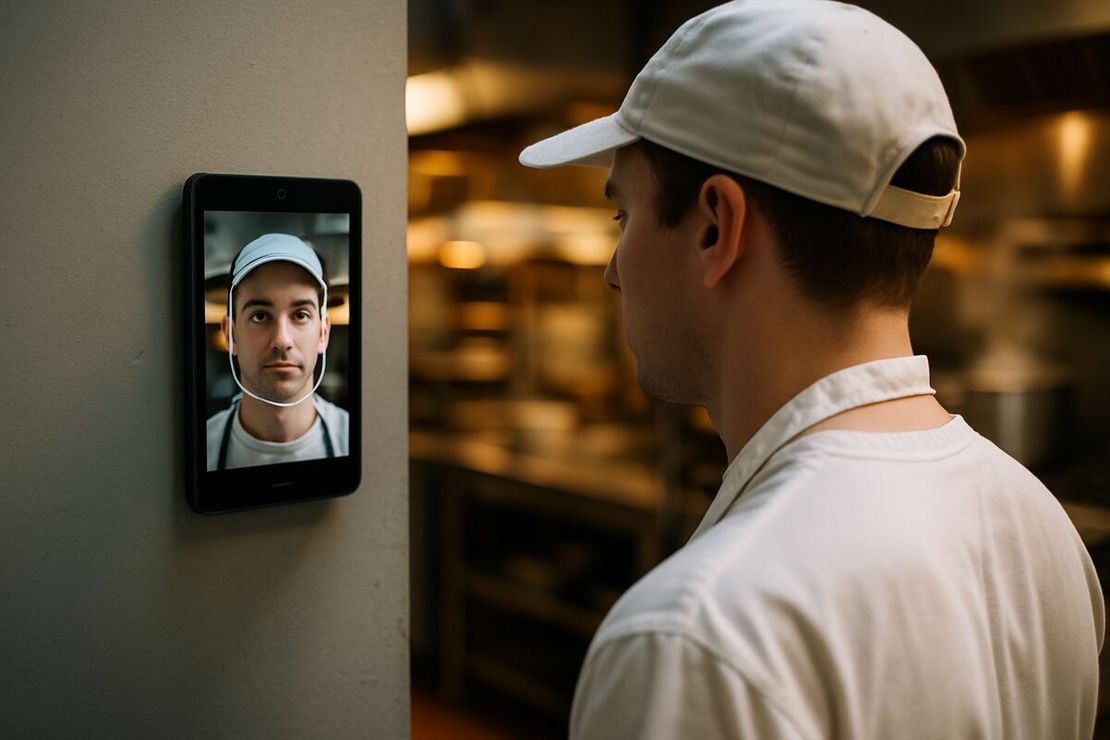
By the staff entrance, at face height. Not next to the POS and not next to the pass. You want it where people walk past anyway on the way in and out.
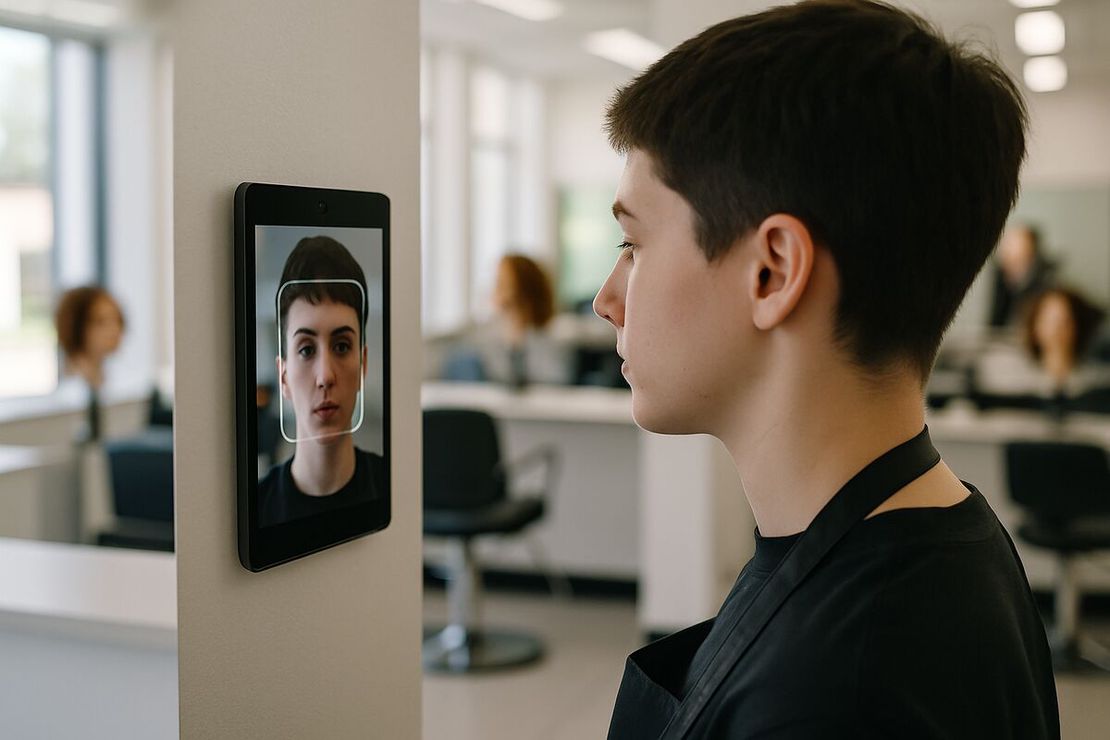
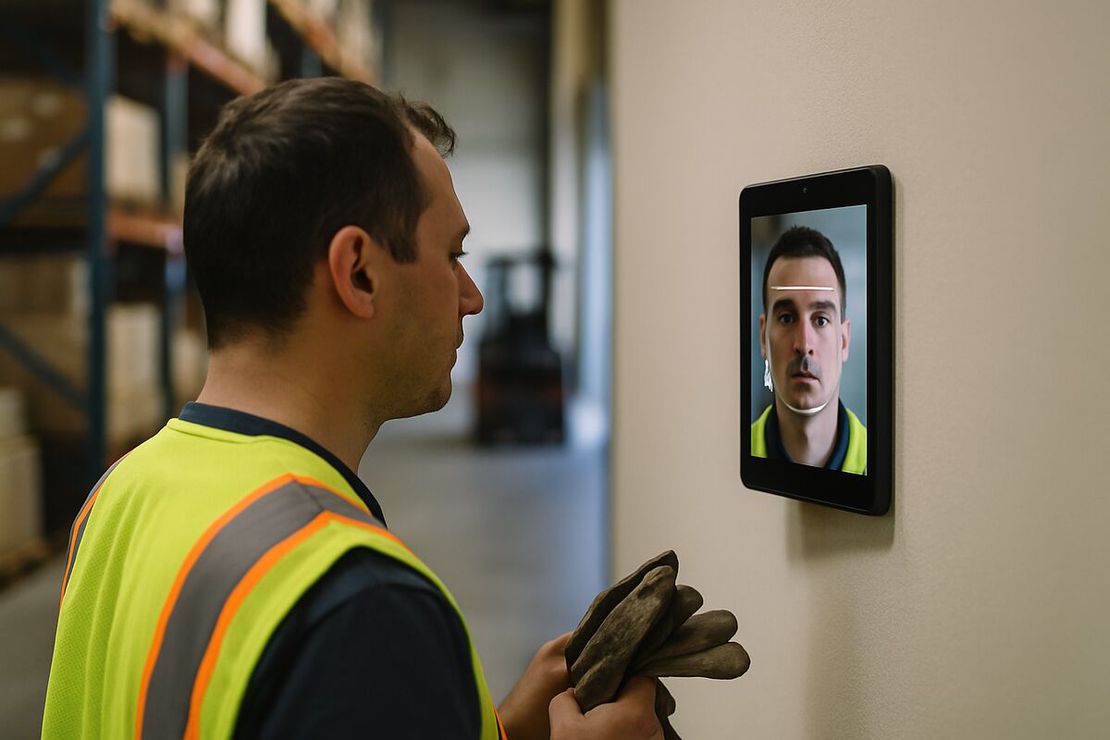
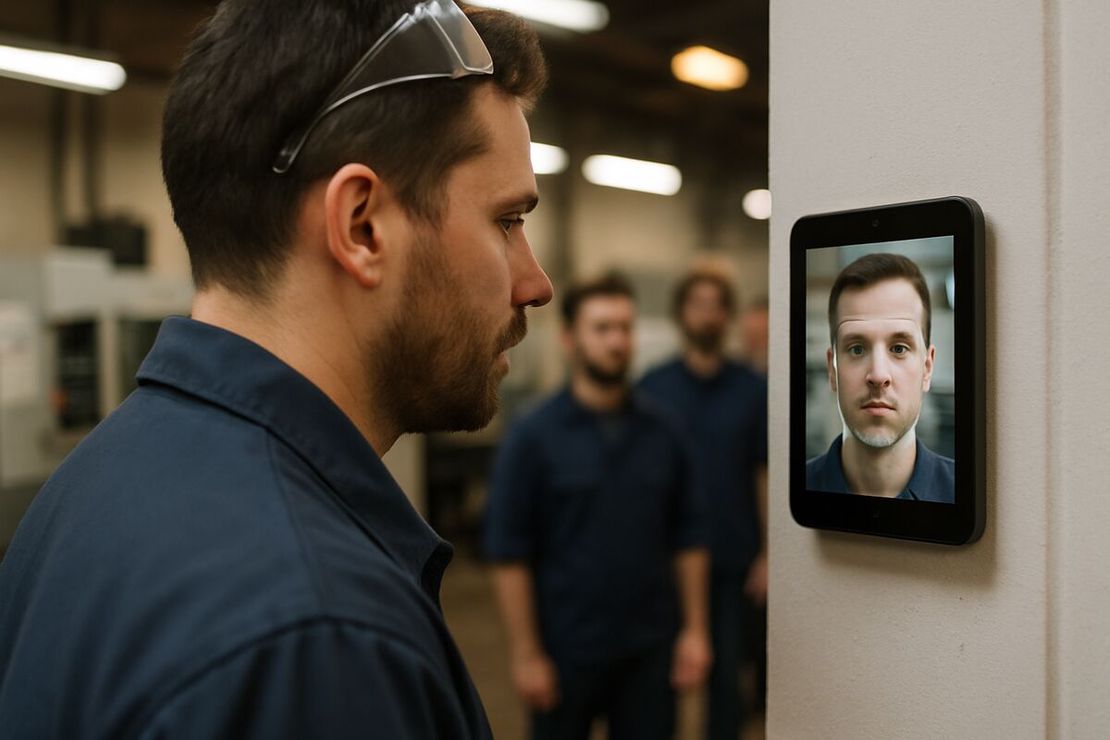
Clocking in is a tap and a glance at the camera. The app finds the face, compares it with the people registered on that tablet and writes the time. One or two seconds. A new hire registers on their first shift: the app sees a face it doesn’t know, asks for a name and takes one reference photo. Nobody has to create accounts in opening week.
Every punch keeps a photo. So when a server insists “I was here at 4:55!”, you look at the photo and the timestamp, and the argument is over in ten seconds.
Matching happens on the tablet. FaceClock doesn’t even have the Android permission to go online, so when the connection drops on a Saturday night there is nothing to lose and nothing to sync later.
Split shifts, spread of hours and other things payroll will ask about
A server working lunch 11:00 to 14:30 and dinner 17:00 to 22:00 should clock in and out twice. Two shifts, not one 11-hour shift with a long break. If your state or collective agreement pays a split-shift premium, that’s a payroll calculation; the clock just needs accurate times.
Those times matter more in some states than others. In New York, hospitality workers whose day spans more than 10 hours from first clock-in to last clock-out are owed an extra hour at minimum wage, the spread-of-hours rule. California expects a 30-minute meal break to start before the end of the fifth hour, and a missed one costs an extra hour of pay. You can only spot either problem if the real times are on record.
The bartender who clocks in at 18:00 and out at 02:30 worked one 8.5-hour shift. FaceClock stores it as one record. It doesn’t chop it in half at midnight, which is what breaks weekly totals in a lot of spreadsheets.
Forgotten clock-outs will happen, usually on your busiest night. Captured shifts can’t be edited in the app, so the fix goes into the payroll sheet with a note. After the maximum shift length (12 hours by default) the next punch simply opens a new shift.
Turnover is the other constant. When someone leaves, delete them from the employee list and their profile and face data are gone from the device. Put that on the offboarding list, right after “collect the keys”.
Money
FaceClock is free. You need one device on Android 7.0 or newer: a refurbished tablet is about $100 to $150, an old phone costs nothing. Per-user restaurant software usually runs a few dollars per person per month, so a 20-person team often pays $600 to $1,500 a year before add-ons.
That paid software does more, though. Scheduling, tip pooling, labor forecasting, POS integration. FaceClock is only the clock. You export a CSV (names, in, out, durations) or a PDF with the clock-in photos and hand it to whoever runs payroll.
Skip FaceClock if:
- one manager needs to watch several locations live (each tablet keeps its own log, there’s no central dashboard);
- payroll has to sync with the POS in real time;
- your staff need the app in Spanish or another language (the interface is English and Russian only, though it’s mostly a button and a camera);
- you’re in Illinois or another strict-biometric state and can’t collect written consent before the first scan. More on that in biometric time clocks and the law.
Before the first shift
- Wall mount at the staff entrance, tablet plugged in permanently.
- Light on faces, not behind them. A glass back door at 8 a.m. is the classic mistake; a $9 LED strip above the tablet fixes it.
- Keep-screen-on enabled, maximum shift length set to your longest real shift plus an hour.
- One page for staff: what’s captured, where it lives, that shifts are deleted after 90 days, who can see them.
- A paper sign-in sheet next to the tablet for anyone who opts out.
- A weekly CSV export saved somewhere other than the tablet.
- Ten minutes at the pre-shift meeting to show people the button.
There’s a longer story of how this works over a year in time tracking for cafes and restaurants, about a 12-person coffee shop in Lisbon. If you’re still deciding between faces, cards and PINs in general, start with the facial recognition time clock guide.
Try it on a phone you already own.
FaceClock runs on most Android devices from the last five years. Install it, mount it by the door, and your team registers itself on the first clock-in. Shifts start logging the same day. No account. No card.