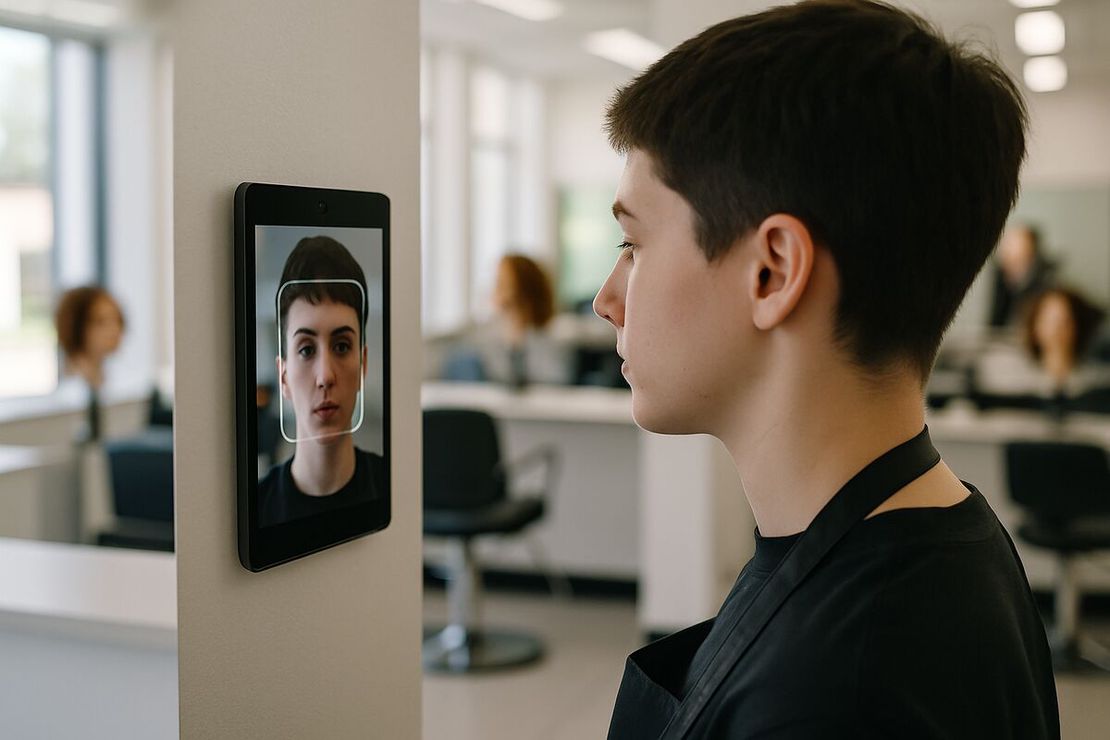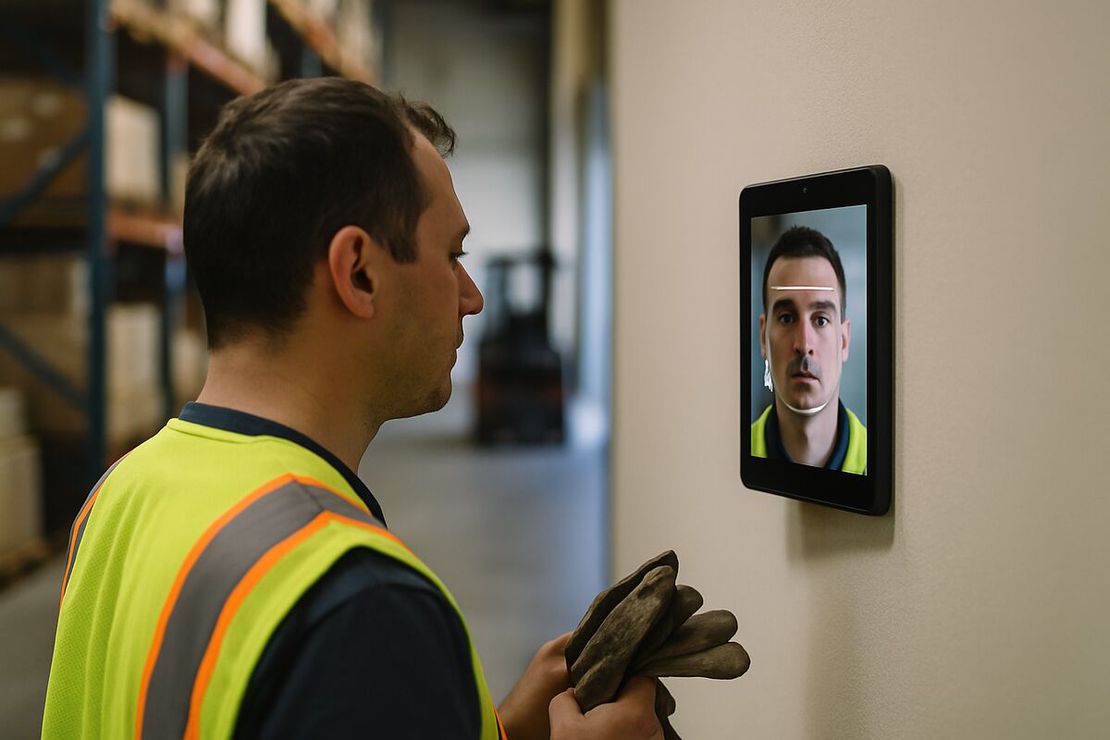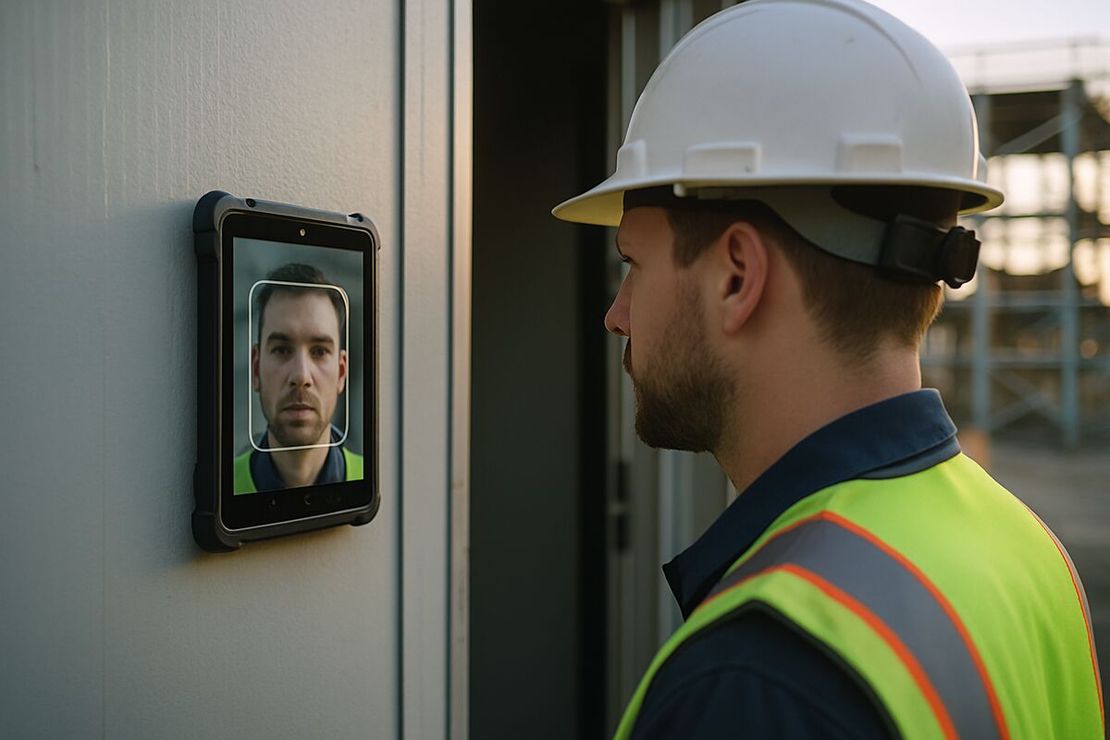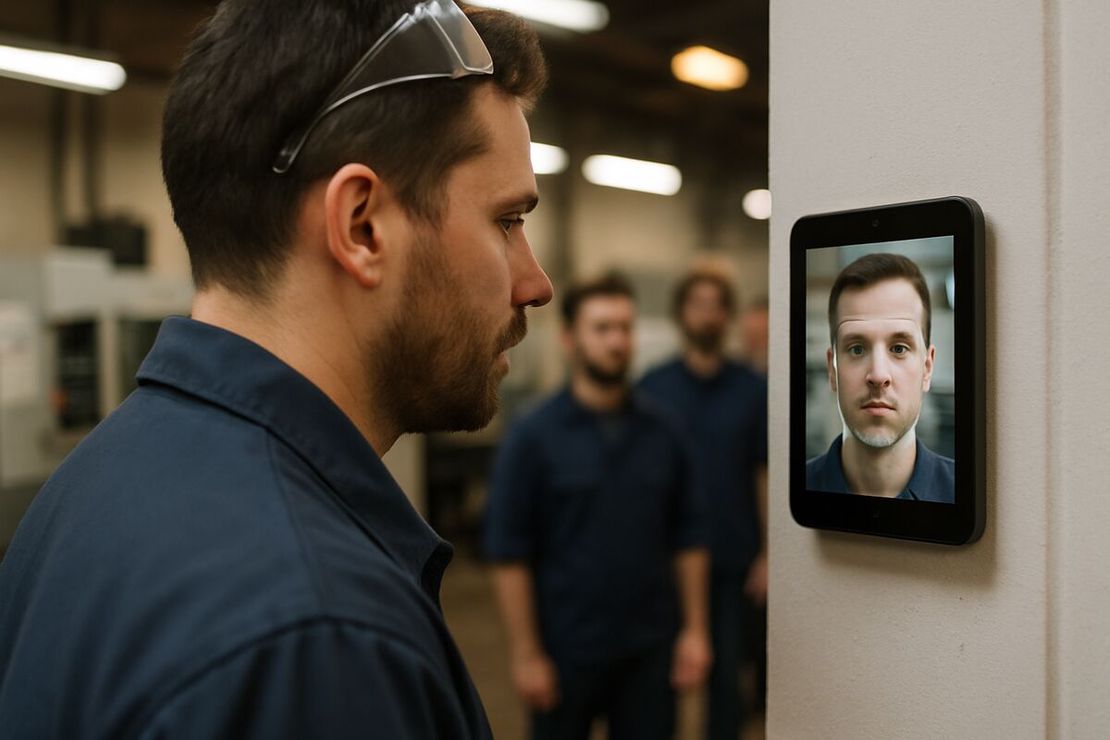
Manufacturing time clock: face clock-in for small factories and workshops running shifts
- FaceClock Team
- Use cases
- October 1, 2026
Table of Contents
In a lot of small factories the time clock is the oldest machine in the building. A punch-card clock bolted next to the door, a rack of cards, and a shift supervisor who knows exactly whose card gets punched by whom. It works fine. Right up until someone checks.
Swapping it for a face clock on an Android tablet is mostly simple. The interesting decisions are where you put it and what you do with the times afterwards. We make FaceClock, so this is written from that side, including the plants where we’d tell you not to use it.
Door or line?
Decide this first, because it changes your payroll.
In the US, time spent changing into required protective gear can be work time. The Supreme Court said so in Steiner v. Mitchell (1956), a case about workers at a battery plant who had to change clothes and shower because of lead. In IBP v. Alvarez (2005) it went further: at a meatpacking plant, the walk from the changing area to the line counted too.
So a clock at the plant door puts changing time inside the paid shift. A clock at the line leaves it out. Both can be fine. What isn’t fine is nobody deciding and half the floor clocking in at one place and half at the other. Pick one, write it in the handbook, apply it to everyone.
Two entrances need two tablets, and here’s a quirk of FaceClock: the tablets don’t talk to each other. Someone registered at the front door is a stranger to the loading dock. Either route everyone through one door or register people on both and merge two exports in the spreadsheet.
What the floor needs from a clock
Speed, mostly. Thirty people arrive in the ten minutes before 6:00. Anything that takes more than a few seconds each builds a queue, and a queue at the door is paid time. A face match takes one or two.
No shared credentials, either. Cards get lent. So do PINs. A face doesn’t, and every punch is stored with a photo of whoever was actually standing there.
It also has to work without the network. Plenty of plants have poor Wi-Fi on the floor and IT rules that turn a cloud device into a three-month project. FaceClock runs entirely on the tablet and has no internet permission, so there’s nothing for IT to approve except a wall mount and a socket.
Rounding, nights and rest
FaceClock stores exact timestamps and leaves rounding to you. That’s useful, because rounding is where manufacturers get sued. Federal rules (29 CFR 785.48) allow rounding to 5, 10 or 15 minutes if it averages out and doesn’t consistently favor the employer. California is stricter: in Donohue v. AMN Services (2021) its Supreme Court said you can’t round meal-period time at all. If you round in payroll, the original punches are still there for anyone who asks.
A night shift from 22:00 to 06:00 is stored as one shift. Differentials and weekly overtime stay correct, instead of the shift being split across two calendar days.
EU plants have another number to watch: 11 consecutive hours of rest between working days. After overtime or a shift swap, exact clock-out and clock-in times are what show you respected it.
Shifts can’t be edited once captured. Corrections go into payroll with a note. Supervisors tend to like that more than they expect, since nobody can accuse them of fixing hours.
PPE
Hard hats and safety glasses are fine. Face masks, respirators and hairnets pulled down low are not. In a food plant or clean area, clock in before masking up. If your people are covered from the door to the line, no face clock will work for you, ours included.
The 50-person limit
Recognition slows down as more people are registered on one device. About 50 per tablet is comfortable on modern hardware. A plant running 150 on one shift needs several tablets on several doors, and at that point a dedicated terminal with a central system is probably less hassle. FaceClock is meant for workshops, job shops and small plants.
It also won’t fit if you need one shared roster across buildings, live attendance on a screen in the office, an ERP or MES integration, or a biometric setup in a place like Illinois, France or Italy where you can’t get the consent the law asks for. The legal side is covered in biometric time clocks and the law.
Cost and records
The app is free. Any device on Android 7.0+ will do; a refurbished tablet is about $100 to $150. No per-employee fee. You export a CSV (name, in, out, duration, status) or a PDF with photos.
Shifts stay on the tablet for 90 days and then delete themselves. So:
- Pick door or line and put it in the handbook.
- Mount the tablet at face height with light from the front, plugged in.
- Tell employees what’s captured and for how long, and offer a paper alternative.
- Export a CSV every month and file it with payroll.
For night shifts, overtime triggers and rest periods in more depth, see shift scheduling fundamentals. For a comparison of wall terminals, cloud apps and on-device apps, see the facial recognition time clock guide.
Try it on a phone you already own.
FaceClock runs on most Android devices from the last five years. Install it, mount it by the door, and your team registers itself on the first clock-in. Shifts start logging the same day. No account. No card.