Hotel time clock: one tablet at the staff entrance for housekeeping, kitchen and the night desk
- FaceClock Team
- Use cases
- October 24, 2026
Table of Contents
A 90-room hotel runs on more shifts than most people guess. Breakfast cooks at 5:30. Housekeeping from 8 to whenever the last checkout is turned. Front desk in three rotations. A night auditor who starts at 11 p.m. and leaves after the morning arrivals report. Maybe a banquet crew on Saturdays that nobody has seen since last Saturday.
All of them walk through the same staff door. That door is where the clock belongs.
We make FaceClock, a face-recognition time clock that runs on one Android device. This page is about what it’s like in a hotel, including the parts where it doesn’t fit.
Why hotels lose hours on paper
Most small and mid-size hotels we hear from use one of three things. A sign-in sheet at the housekeeping office. A PIN pad on the old PMS terminal. Or “tell your supervisor when you get in”, which is the same as nothing.
Each one breaks in a predictable place:
- The sheet gets filled in at 10 a.m. for the whole morning, in one handwriting.
- PINs get shared. A room attendant who’s running late texts her code to a colleague on the floor.
- Supervisors round. 8:07 becomes 8:00, 15:52 becomes 16:00, and across 20 housekeepers that’s real money in both directions.
None of these is fraud in the dramatic sense. It’s people being people. But when an owner asks why labor was 34% of room revenue last month, nobody can answer from a clipboard.
What the setup looks like
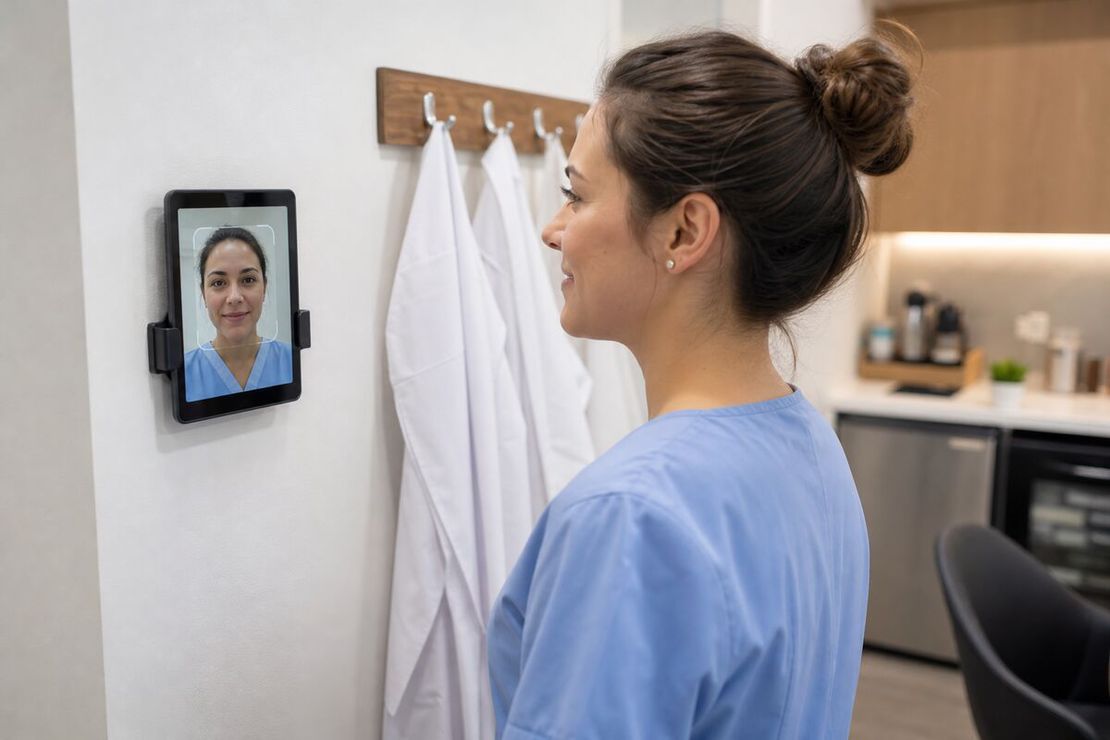
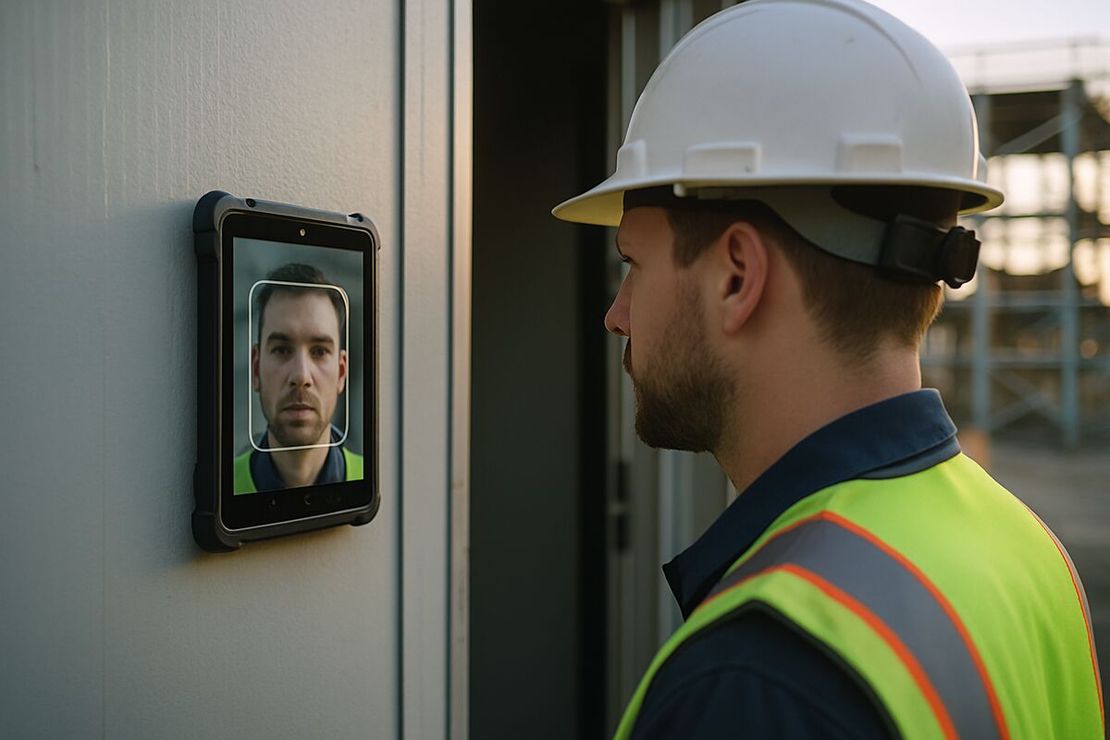
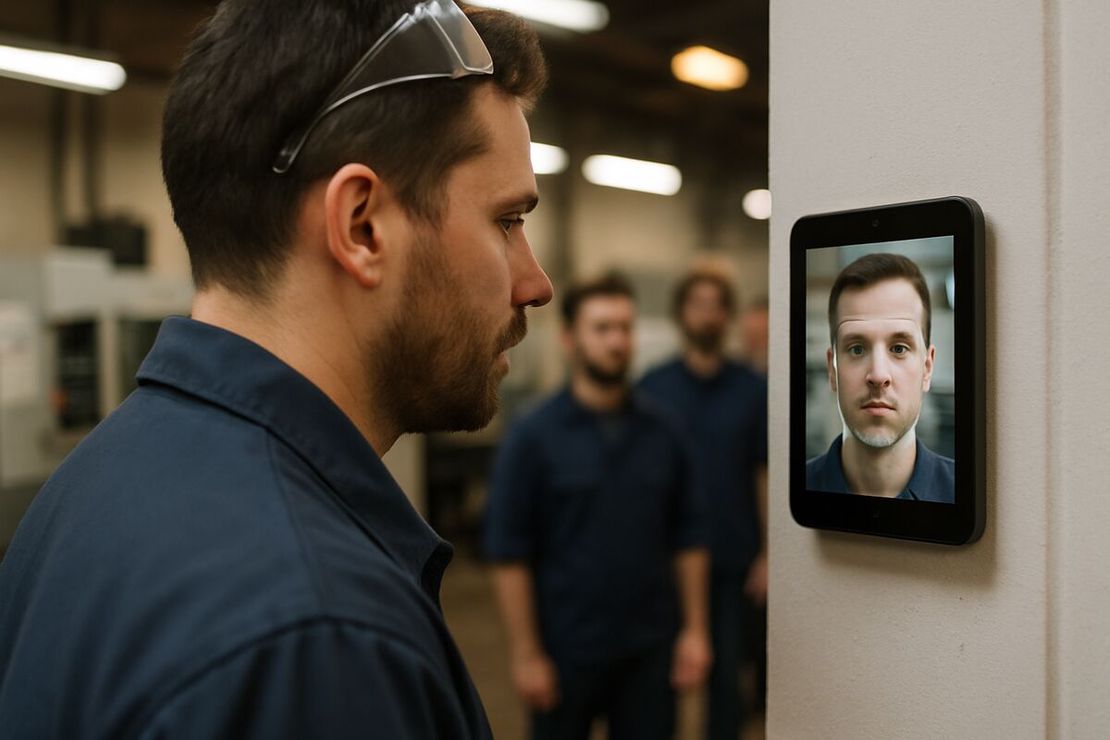
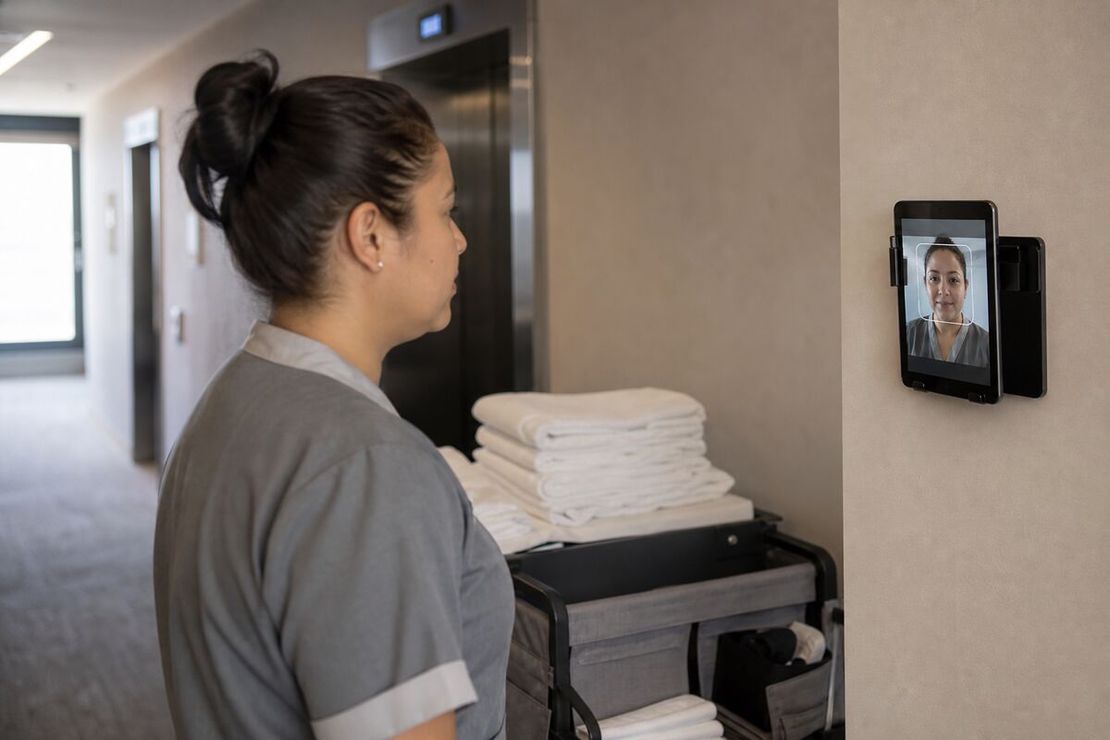
One Android tablet, Android 7.0 or newer, mounted at face height in the staff corridor next to the time sheets or the uniform room. Plugged in, screen kept on.
A housekeeper arrives, taps the button and looks at the camera. Under a second later she’s clocked in and the app has saved a photo with the time. When she leaves, same thing. That’s the whole interaction.
New hires do their own registration on day one: the app sees a face it doesn’t know, asks for a name, takes one reference photo. Seasonal staff in July, a banquet waiter for one wedding, a housekeeper who started on Tuesday. Nobody has to set them up the night before.
The tablet never goes online. FaceClock has no internet permission on Android, so it doesn’t care whether the back-of-house Wi-Fi reaches the basement corridor (it usually doesn’t).
The night auditor problem
Overnight shifts trip up a lot of clocks. The auditor clocks in at 22:55 on Thursday and out at 07:10 on Friday. FaceClock stores real timestamps, so a shift that crosses midnight is just an 8-hour-15-minute shift. No split at 00:00, no manual fix.
There’s a max shift length in Settings, 12 hours by default. If someone forgets to clock out and comes back the next evening, the app treats the next punch as a new shift instead of logging a 23-hour one. Set it to your longest real shift plus an hour.
Split shifts and the California rule
Breakfast-and-dinner cooks and some banquet staff work split shifts: 6 to 10, then 17 to 21. FaceClock records those as two separate shifts with four photos, which is exactly what payroll needs.
If you’re in California, the wage orders add a split-shift premium of one hour at minimum wage on days when the unpaid gap is more than an hour (minus whatever the employee earned above minimum that day). FaceClock doesn’t calculate premiums or overtime. It gives you clean in and out times, and your payroll person or software does the math.
Housekeepers and their phones
Room attendants often aren’t allowed to carry phones on the floor, and plenty would rather not install a work app anyway. That’s one of the better arguments for a wall device. Nobody’s personal phone is involved. Nobody needs a login.
Uniforms don’t matter, caps don’t matter. What does matter: light. The staff corridor is often the worst-lit hallway in the building. Put the tablet where light falls on faces, not under a single bulb behind the person’s head.
What it costs
The app is free. A refurbished tablet is about $100 to $150, a wall mount another $20 to $30. There’s no per-employee fee, which matters in a business where headcount jumps 40% in summer and drops in November.
Where it stops
Being straight about the limits:
- No scheduling, no tip pools, no PMS integration. FaceClock records who came and when. Rostering lives somewhere else. If you need one, our shift scheduling guide covers the basics.
- One device, one roster. A hotel with two staff entrances has two tablets, and each one knows only the people who registered on it. Fine for a single property. Clumsy for a group of five hotels that wants one dashboard.
- About 50 people per device. A 300-room resort with 180 staff is past what one tablet handles comfortably.
- 90 days of history. Shifts older than 90 days are deleted from the device automatically. Export weekly: CSV for payroll, or PDF with every photo if you need proof.
- Shifts can’t be edited. Someone forgot to clock out? The original record stays as it is, and the correction goes into the payroll sheet with a note. That’s deliberate. It’s also annoying the first time it happens.
- English and Russian only. The app interface comes in two languages. If your housekeeping team reads Spanish or Tagalog, the clock-in screen is one button and a camera, so it’s usually fine, but the manager screens are English.
The legal part
Faces are biometric data. In Illinois, BIPA requires written consent before the first scan, and most BIPA class actions so far have been about ordinary employee time clocks, fingerprint ones mainly. Texas and Washington have their own biometric laws, and in the EU it’s GDPR. Do the paperwork before you mount anything: a one-page notice, consent where it’s required, and a paper sign-in for anyone who declines. The biometric data article walks through it.
If you want to see how a week of hotel punches turns into a payroll file, read tracking employee hours without the cloud. If you’re still choosing between a wall terminal and a cloud app, the facial recognition time clock guide compares the options.
Try it on a phone you already own.
FaceClock runs on most Android devices from the last five years. Install it, mount it by the door, and your team registers itself on the first clock-in. Shifts start logging the same day. No account. No card.