FaceClock vs Hubstaff vs Toggl Track - what each one is actually for
- FaceClock Team
- Compare
- April 18, 2026
Table of Contents
I get this question by email about once a month. Some variation of: “I’m choosing between FaceClock, Hubstaff, and Toggl Track - which one is best?”
The honest answer is that the three of them aren’t really comparable. They look like competitors because they all have the words “time tracking” on their landing pages, but they’re solving different problems for different people. Picking the wrong one isn’t usually a small mistake; it tends to mean you’re using the wrong shape of tool entirely.
So instead of doing a feature checklist, I’ll walk through what each one is designed for, who actually uses it well, and where it falls down.
The 30-second version
If you don’t want to read the rest:
- Toggl Track - for individuals and small teams who track time against projects, usually billable. Knowledge workers. Designers, agencies, freelancers. You start a timer, you stop a timer, you tag the project. Reports show you where time went.
- Hubstaff - for distributed teams where you want to verify that people are actually working. Has screenshots, mouse activity tracking, GPS for field workers. It’s a productivity-monitoring tool with time tracking attached.
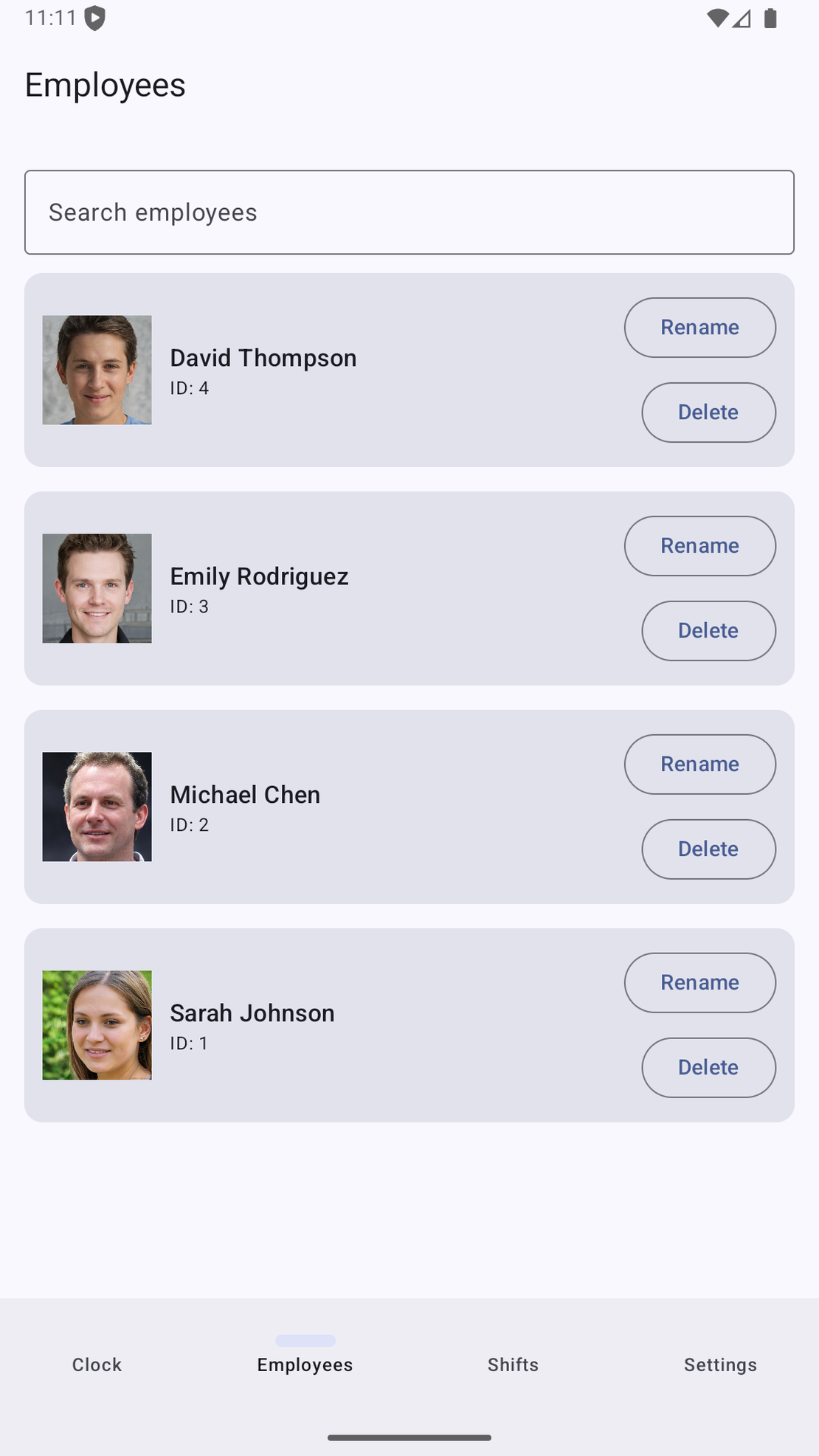
- FaceClock - for physical workplaces with a roster of employees who clock in and out. Cafes, workshops, dental offices. Not about projects, not about activity monitoring. About: when did this person arrive, when did they leave, and please don’t upload their face to your server.
If you’re nodding along to one of those three and frowning at the other two, you have your answer.
How they differ on the things that matter
What they track
Toggl tracks time against projects. The unit is “I worked on Client A’s branding for 47 minutes.” If your day looks like a sequence of distinct billable tasks, Toggl is built for you. The whole UI is shaped around the timer and the project tag.
Hubstaff also tracks time, but the unit is “I was active for 47 minutes” - which it determines by sampling your screen, mouse, keyboard, or GPS coordinates. It’s used heavily by remote-team managers who want some signal that work is actually happening, and by gig platforms that pay hourly and want to verify the hours.
FaceClock tracks shifts. The unit is “Maria was here from 9:03 to 17:42.” It doesn’t care what Maria did during her shift. It cares that she was on-premises and on the clock. It’s a digital replacement for a paper sign-in sheet.
These are three genuinely different objects. A “shift” is not a “billable session” is not an “activity-monitored window.”
Where the data lives
Toggl: cloud (their servers). You log in, your time entries are there.
Hubstaff: cloud, with significant local agents on each employee’s machine that capture the screenshots, activity samples, and GPS coordinates. The data is processed and stored on Hubstaff’s infrastructure.
FaceClock: on the device. There is no cloud. There is no account. The records live in the local SQLite database of one Android tablet and they leave that device only when you export a CSV.
This is the single most consequential difference, and it determines a lot of the others.
Pricing
Toggl Track has a free tier for up to 5 users. Above that, it’s roughly $9-$18 per user per month depending on plan. For a small agency that’s fine. For a 30-person workshop it adds up fast.
Hubstaff starts around $7 per user per month and goes up steeply with the activity-monitoring features. Real-world bills for medium teams tend to land in the $300-$1,000/month range.
FaceClock is free. Always free. There is no premium tier and no paid features. You pay for the hardware (about $100 for a refurbished tablet) and that’s the whole bill.
Compliance and privacy posture
This is where the comparison gets interesting and where most articles I’ve seen on these tools handle it badly.
Toggl is straightforward - it stores your time entries and project tags. Standard SaaS privacy posture. GDPR-compliant, you sign a DPA, you move on. Not much biometric data involved unless you wire up an integration that adds it.
Hubstaff is in a different category. The screenshots, keystroke counts, and GPS data it collects are sensitive. Whether you’re allowed to do this with employees varies enormously by jurisdiction. The EU has tightened the rules under GDPR Article 88; some German Länder explicitly prohibit it; California has requirements about notice and consent that Hubstaff documents but the implementation falls on you. None of this is unworkable, but it requires real legal review before deployment.
FaceClock is in yet another category, because of the biometric angle. Facial features are biometric data under BIPA, GDPR, CCPA, and most modern privacy laws. The thing that makes FaceClock workable is that it doesn’t transmit the data anywhere - it stays on the device. The legal weight of “we collect biometric data” is much lower when the answer to “who has access?” is “literally only the device administrator.” Several jurisdictions explicitly carve out on-device processing as lower-risk. (Worth checking with your local labor lawyer for your specific country, of course.)
Where each one falls down
Toggl breaks down when:
- You’re tracking attendance, not billable work - wrong shape entirely
- You have a 30-person physical workplace - pricing becomes painful
- You need biometric verification - Toggl just doesn’t do this
Hubstaff breaks down when:
- Your employees object to activity monitoring (often a deal-breaker culturally)
- You’re in a jurisdiction where this kind of monitoring is restricted
- You want to deploy quietly - “Hubstaff” comes with strong feelings attached
- You don’t actually need any of the productivity-monitoring features and are paying for them anyway
FaceClock breaks down when:
- You have multiple locations and want central real-time oversight (it’s per-device)
- You need integration with a payroll API (it exports CSV and that’s it)
- Your team works remotely - there’s no kiosk to walk past
- You have more than ~50 employees per device (recognition slows)
- You need API hooks into a scheduling tool
A grid, since people like grids
| Toggl Track | Hubstaff | FaceClock | |
|---|---|---|---|
| Shape of the work it suits | Project-based knowledge work | Distributed teams w/ activity monitoring | Physical workplace shift work |
| Tracking unit | Time against projects | Active time + screenshots/GPS | Clock-in/out shifts |
| Identity verification | Login (it’s your time) | Login + activity proof | Face / on-device |
| Where data lives | Toggl’s cloud | Hubstaff’s cloud | The device only |
| Biometric data? | None | None (but lots of monitoring data) | On-device only, never transmitted |
| Integrations | Many (Asana, Jira, etc.) | Many (payroll, project mgmt) | None - CSV export only |
| Free tier | 5 users | None | Always free, unlimited |
| Paid pricing | $9-$18/user/mo | $7-$20+/user/mo | $0 |
| Deployment | Web + desktop + mobile clients | Desktop agents required | One Android device |
| Offline? | Limited (mobile timer cached) | Limited (some buffering) | Yes, always |
| Best for | Agencies, freelancers, billable | Distributed gig/remote teams | Cafes, shops, clinics, schools |
The decision framework
When someone emails me, I usually ask three questions. Their answers usually pick the tool.
Q1: Are you billing clients for time?
- Yes → Toggl is probably right.
- No → keep going.
Q2: Does the team work from a single physical location and clock in like shift workers?
- Yes → FaceClock or a similar shift-clocking tool.
- No, they’re remote → continue.
Q3: Do you want or need to monitor productivity (screenshots, activity, GPS)?
- Yes → Hubstaff or one of its peers (Time Doctor, Insightful, etc.).
- No, you just need timesheets for remote workers → Toggl Track is probably the lighter fit, even though it’s project-shaped.
There’s a fourth question for some teams: how strict is the privacy posture you want? If the answer is “very,” and the team is on-premises, FaceClock’s no-cloud architecture is essentially unique among this group of tools.
What I’d skip from most comparison articles
A few things I deliberately haven’t included, because they’re usually either misleading or noise:
- Reviews stars. All three have “4.5 stars on G2.” All popular SaaS does. It’s a measurement of marketing budget, not product fit.
- Feature counts. “Toggl has 47 features, Hubstaff has 89.” Yes, because they do different things. The count doesn’t mean what people pretend.
- Mobile app polish. They’re all fine. None of this matters.
- The exact dollar amount. Pricing pages change every quarter. Use the right shape of tool first; the dollars sort themselves out.
Closing thought
The most common mistake I see isn’t picking the wrong product. It’s picking a product because it has good reviews, deploying it for six months, and slowly discovering it doesn’t fit how the team actually works. The fix isn’t to switch tools - it’s to figure out, before picking, what shape of time tracking you actually need.
A timer for billable work? An activity monitor for remote workers? A digital sign-in sheet for shift workers?
Once that’s clear, you almost don’t need this article. The choice picks itself.