Dental clinic time clock: clocking in hygienists and assistants without touching a shared keypad
- FaceClock Team
- Use cases
- October 24, 2026
Table of Contents
A dental practice with two dentists usually has 8 to 15 people on payroll. Two or three assistants, a couple of hygienists who may also work at another practice on Tuesdays, a receptionist, a practice manager, someone part-time on billing.
Their hours are unusual. The first patient is at 8:00, so assistants are in at 7:30 to set up. Thursday runs late. Hygienists work three days a week, and not always the same three. And every hour has to land in payroll correctly, because in a practice this size the owner signs the checks.
Most practices handle this with the practice management software’s clock-in, a paper sheet in the staff room, or nothing. This page is about a different option: one tablet in the staff room that recognizes faces. We make FaceClock, so here’s the honest version, limits included.
Why not the practice software
Many dental and clinic systems have a staff clock-in button. It works, but it lives on a workstation someone has to log into, and in a busy morning nobody logs in just to clock in. People do it at 9:15 between patients and type “7:30”. The software believes them.
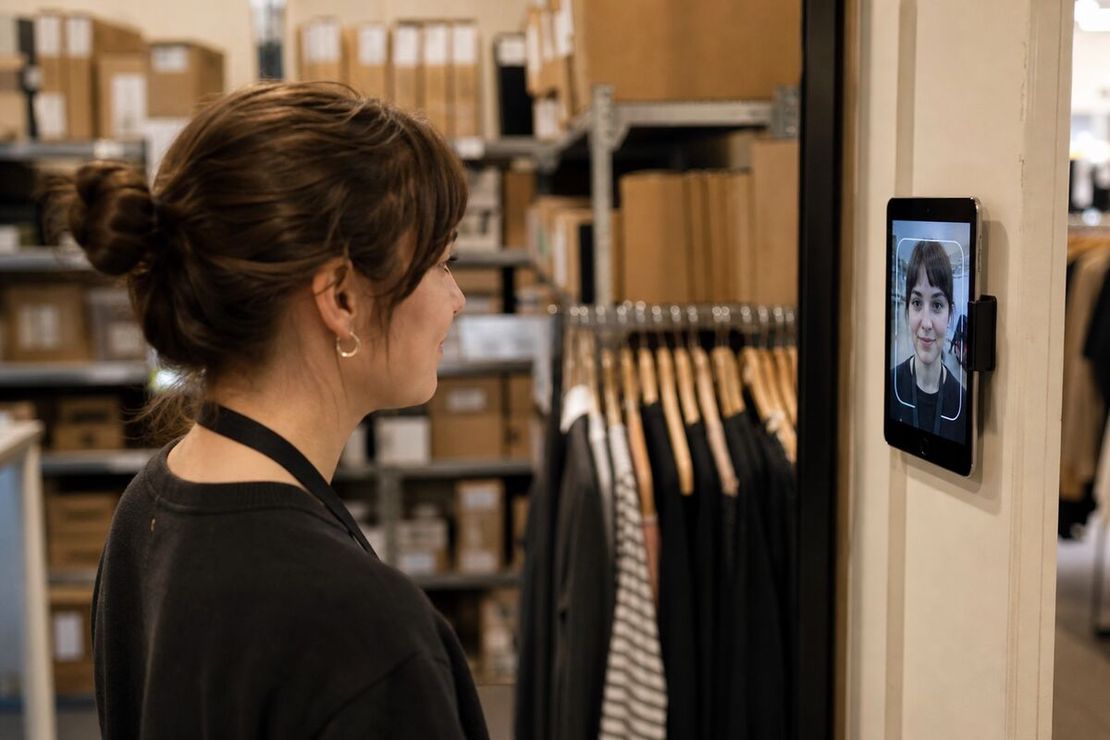
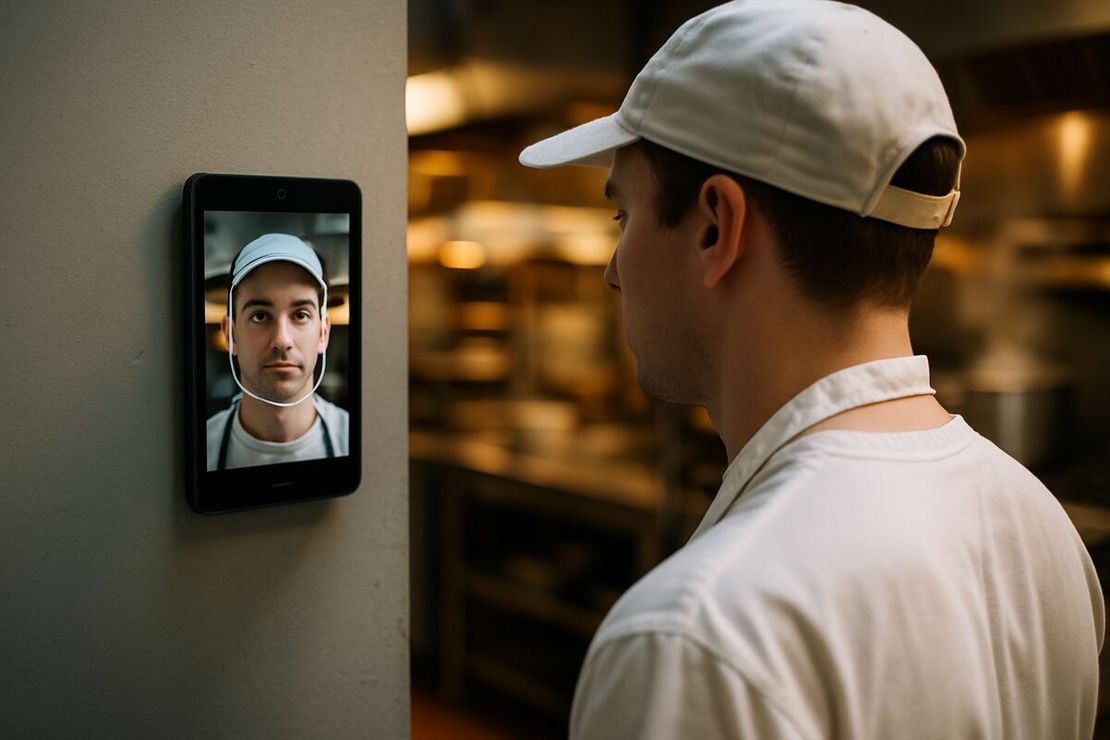
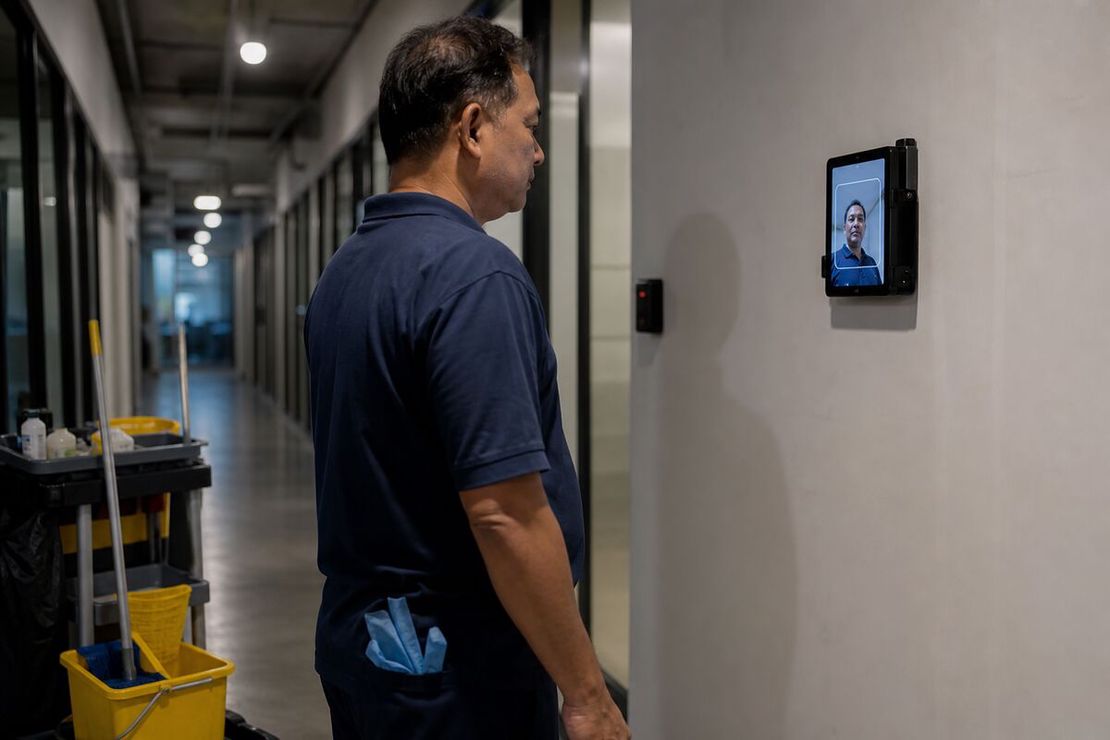
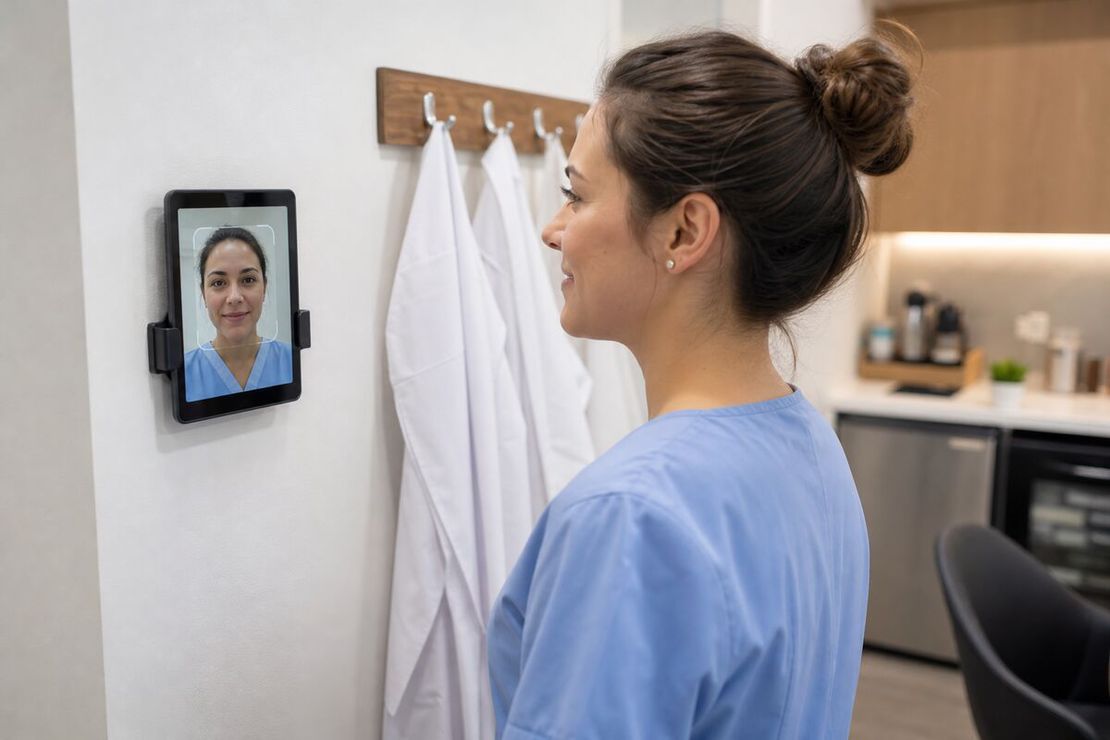
A wall tablet in the staff room catches the moment people actually arrive, because they walk past it on the way to change.
Hygiene: what gets touched
Clinics care about shared surfaces, and a time clock is one.
FaceClock needs one tap on a large on-screen button, then a look at the camera. No keypad, no fingerprint pad pressed by 12 thumbs a day. It’s touch-light, not touchless. Wipe the screen with whatever surface disinfectant you already use on tablets, on the same schedule as the door handles.
Gloves aren’t a problem for the tap. A mask is: recognition needs most of the face. Mount the tablet in the staff room or by the staff entrance, before anyone gowns up. That’s also where the paid day starts.
The workflow
- One Android tablet, 7.0 or newer, wall-mounted at face height in the staff room. Plugged in, screen on.
- Each person registers on their first day by standing in front of it: the app sees an unknown face, asks for a name, takes one reference photo.
- Clock in: tap, look, done in under a second. The app saves the time and a photo.
- Clock out the same way.
- Once a week or once per pay period, the practice manager exports a CSV for payroll, or a PDF with every photo.
No staff installs anything on their phone. No internet connection is used. FaceClock has no internet permission on Android.
Patient data: there isn’t any
This is the question clinic owners ask first, so to be direct: FaceClock never sees a patient. It only stores staff names, staff reference photos, staff face data and the clock-in and clock-out photos. It doesn’t connect to your practice software, your imaging, or anything else.
In the US, HIPAA protects patient health information. Employment records a practice keeps as an employer are explicitly outside HIPAA’s definition of protected health information. Staff biometric data still falls under state law, though: Illinois BIPA, Texas CUBI, Washington’s biometric law, and in the EU, GDPR Article 9. Get written consent and offer a paper alternative. The details are in biometric time clocks and the law.
Part-time and shared staff
Hygienists who work at two practices need to register on each practice’s tablet. Each device keeps its own list and doesn’t sync. For two practices with the same owner, that means two tablets and two exports. Fine. For a group of 12 clinics that wants one view, FaceClock isn’t the right tool.
Records you can’t quietly change
Shifts can’t be edited in FaceClock. If an assistant forgot to clock out on a Thursday, the record stays open, and the practice manager notes the real time in the payroll file. The original punch and photo remain.
In a small team, that has a side benefit. Nobody wonders whether a manager adjusted their hours. There’s no button to do it.
What it costs
The app is free. A refurbished tablet runs $100 to $150. No per-seat fee, which suits a practice whose headcount barely changes and doesn’t want another monthly subscription next to the practice software, the imaging license and the phone system.
Where it doesn’t fit
- Large clinics and hospitals. About 50 people per device is the comfortable limit. A hospital needs an enterprise system tied to rostering.
- Integration needs. No link to practice management, payroll software or scheduling. CSV and PDF only.
- History. The device keeps 90 days of shifts and then deletes them automatically. Export every pay period and keep the files for as long as your local wage-record rules require.
- Languages. The interface is English and Russian only.
- Overtime and premium pay. FaceClock records times. Overtime rules live in payroll.
The same setup works for a physiotherapy practice, a veterinary clinic or a small medical office: one staff room, one tablet, a team of a few dozen. If you’re comparing wall terminals and cloud apps in general, see the facial recognition time clock guide. For how a pay period’s punches turn into payroll without the cloud, read tracking employee hours without the cloud.
Try it on a phone you already own.
FaceClock runs on most Android devices from the last five years. Install it, mount it by the door, and your team registers itself on the first clock-in. Shifts start logging the same day. No account. No card.