Cosmetology school time clock: tracking student clock hours without buddy punching
- FaceClock Team
- Use cases
- October 1, 2026
Table of Contents
Imagine a student two weeks from her state board exam who finds out she’s 40 hours short. She swears she was there. The sign-in sheets say otherwise, or say nothing at all, because half of them are in a binder nobody can find. Now the school has to decide whether to certify hours it can’t prove.
In a cosmetology or barber school, hours aren’t a payroll detail. They’re the product. A student can’t sit the state board exam until the school certifies the required training hours, which in the US runs from roughly 1,000 to more than 2,000 depending on the state and the license. Every hour has to be recorded. Every recorded hour has to be real.
That’s why buddy punching here is worse than in a restaurant. A student who clocks in a friend isn’t skimming a bit of wage. She’s falsifying a record the school will sign.
We make FaceClock, an on-device face clock for Android. Here’s how a school can use it, and the parts it won’t do for you.
How students clock in
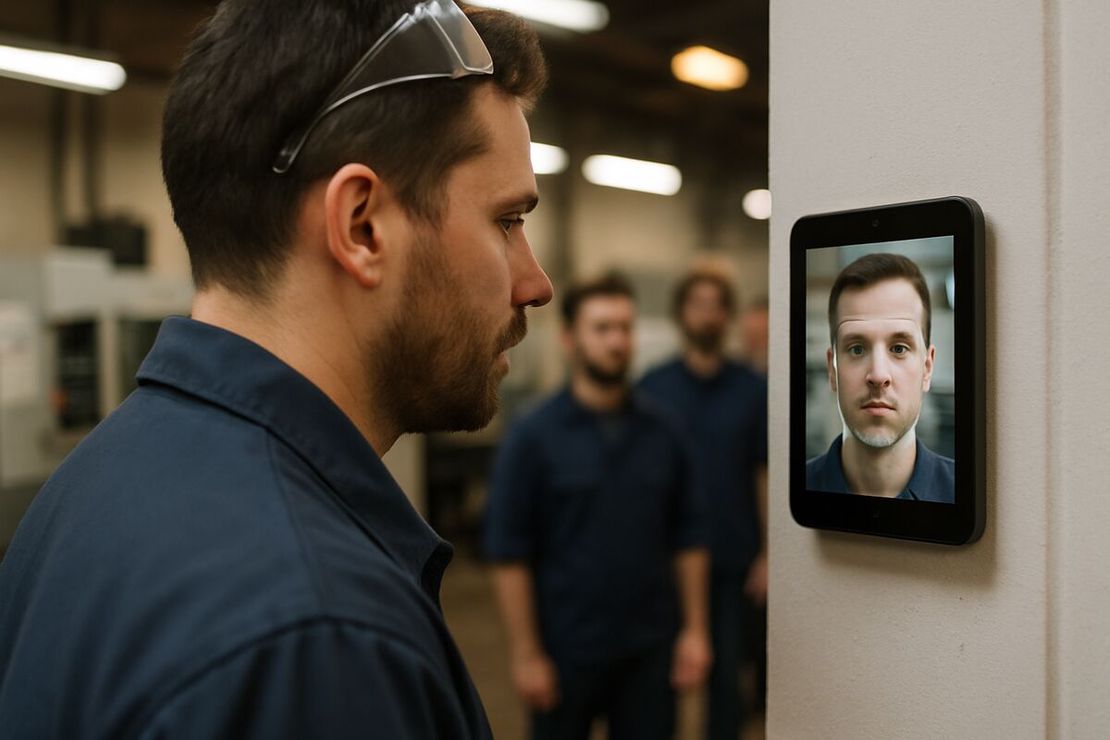
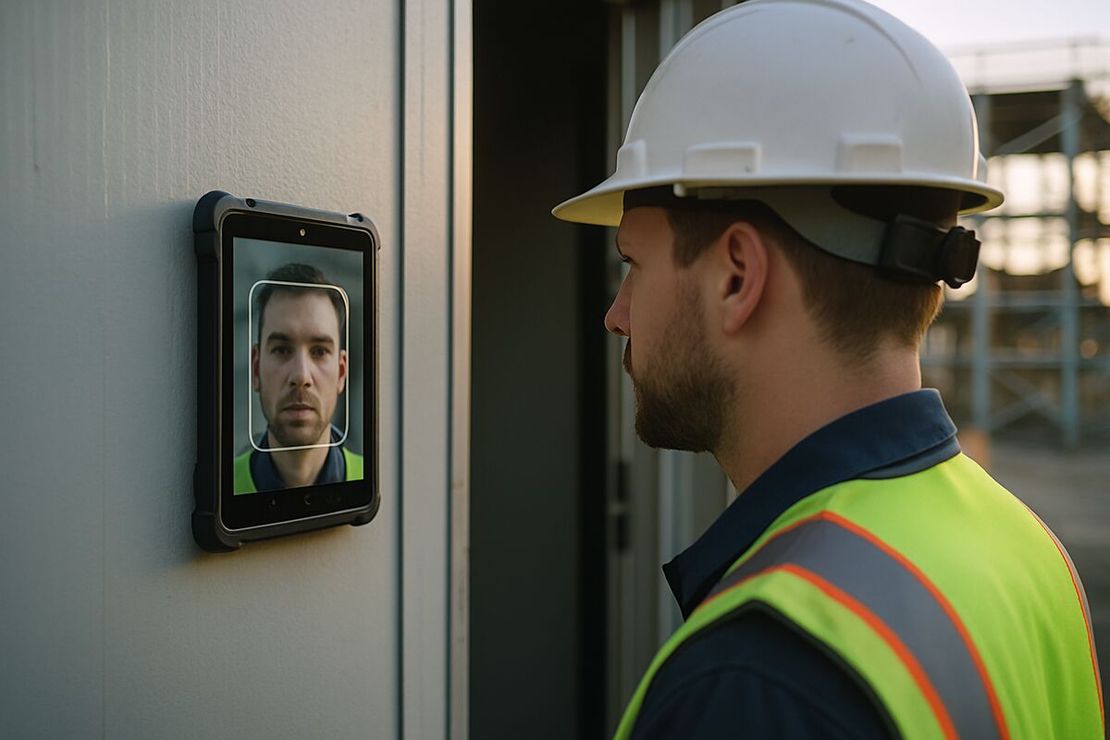
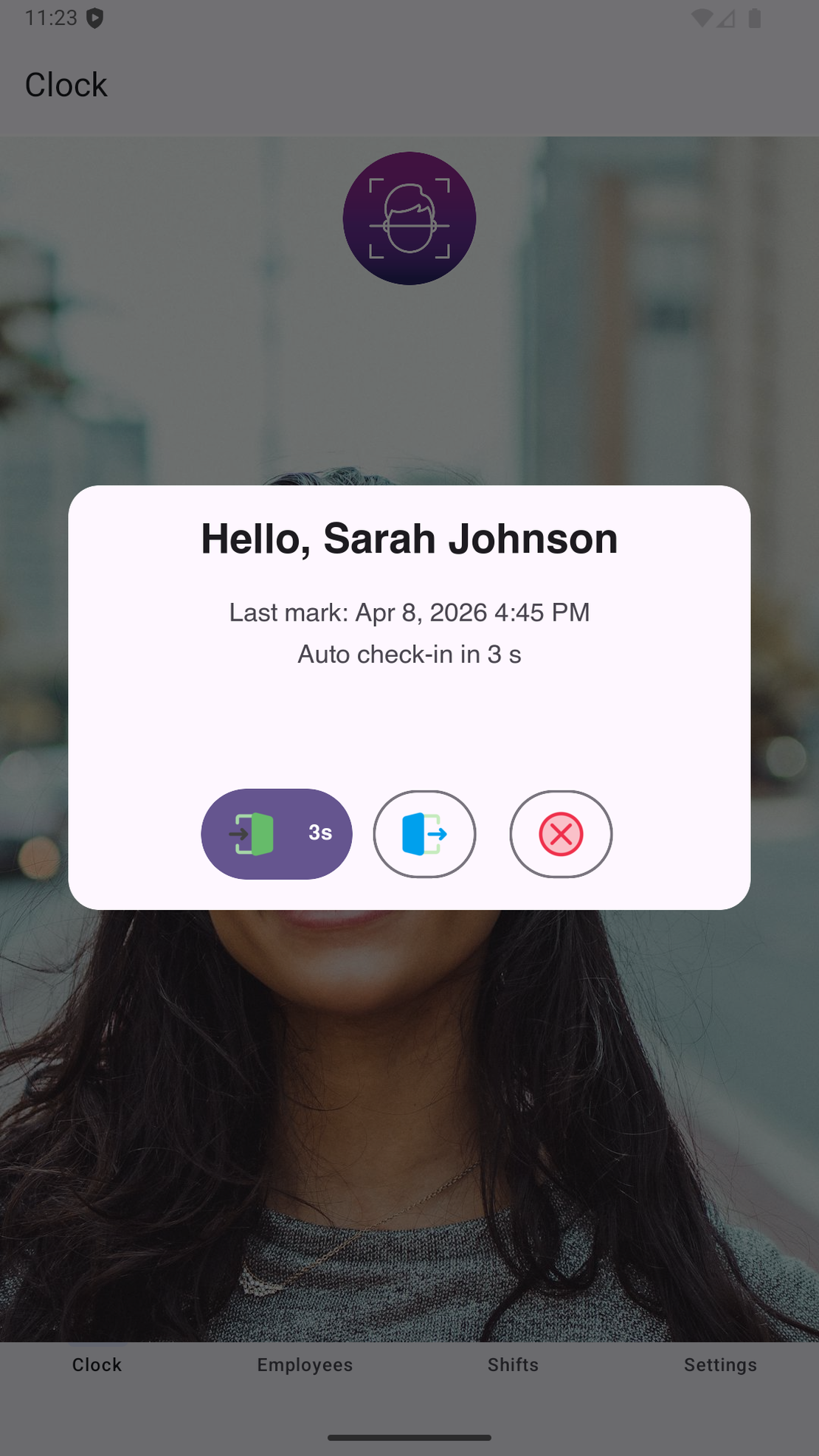
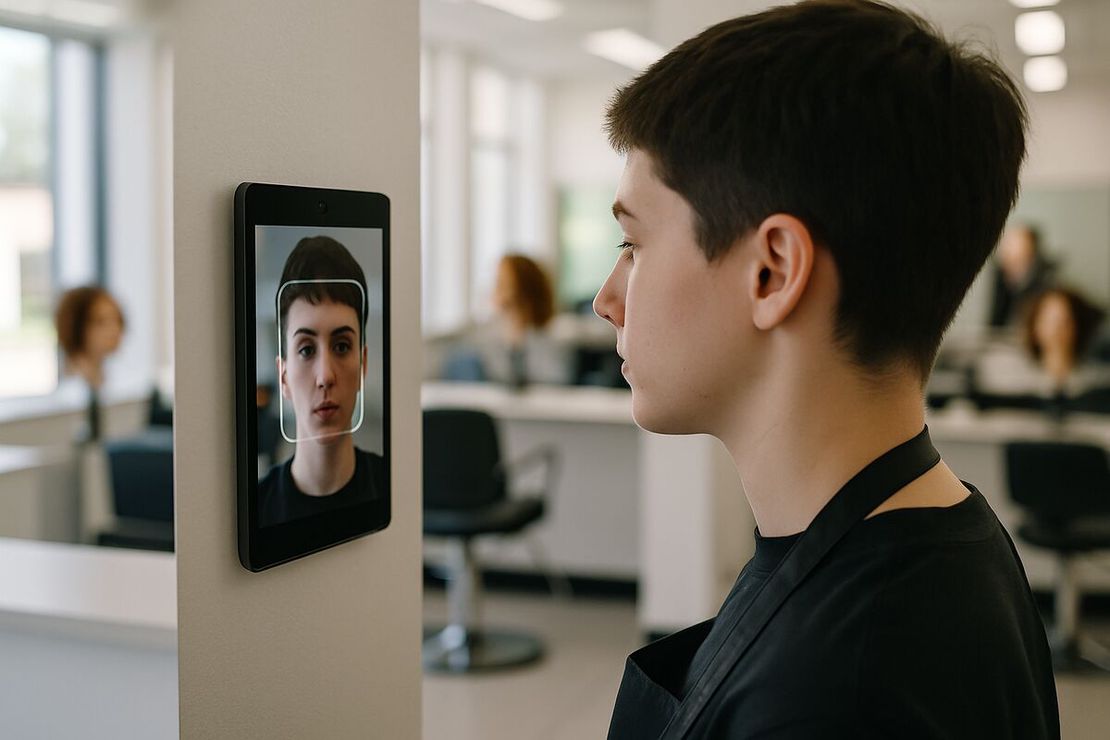
The tablet goes at the student entrance or the front desk, at face height. Students tap it and look at the camera when they arrive, when they go to lunch, when they come back and when they leave. The app matches the face on the device and saves the time with a photo.
On day one each new student registers herself. It takes a name and one reference photo. No codes to hand out, nothing to lose, nothing to share with the friend who’s “just parking”.
Lunch is two punches, which gives you two separate blocks for the day. That’s what you want, because non-instructional time stays out of the total automatically.
Instructors can use the same tablet. If you want them separated in reports, prefix their names with “staff” and filter in the spreadsheet.
Corrections, and why the app won’t let you make them
Once a punch is captured, nobody can move or edit it inside FaceClock. Not the front desk, not the owner, not us.
Schools sometimes find this annoying in the first month. A student forgets to clock out, and you can’t just fix it. But think about who looks at these records later: a state board, an accreditor, maybe a financial aid auditor. A log that nobody could quietly change is worth more to them than a tidy one.
So corrections live outside the app. Write them in the hours spreadsheet with the date, the reason and the instructor’s initials, and keep the original export next to it. If a punch is disputed, the PDF export shows the photo.
Keeping the records long enough
FaceClock deletes shift records and photos after 90 days. State boards and financial aid rules expect attendance records to be kept for years. Those two facts only work together if you export.
Do it monthly. Save the CSV (name, in, out, duration, status) into each student’s file or your student information system. The CSV has no face data in it, so your long-term archive isn’t biometric, which makes the privacy side simpler.
Consent
Students’ faces are biometric data. Tell them in writing what’s captured, why, where it’s stored and for how long. Get consent where the state requires it; Illinois and Texas certainly do. Offer an alternative to anyone who refuses, even if it’s only a paper sheet signed in front of an instructor. A consent form in the enrollment pack covers most of this. The legal detail, including BIPA, Texas CUBI and the GDPR, is in biometric time clocks and the law.
What it won’t do
It won’t keep a running total of hours per student against the state requirement. You add up the exported shifts yourself, in a spreadsheet or your school software.
It won’t fill in state board forms or financial aid reports.
It won’t sync between campuses. One tablet, one roster.
It gets slow above about 50 registered people per device, so a big school with hundreds of students arriving at 9:00 needs several entrances or a dedicated system.
And the app’s interface is in English and Russian only.
If those limits are fine, the cost is low: FaceClock is free, there’s no per-student price, and a refurbished Android 7.0+ tablet is about $100 to $150.
For the wider comparison with cards and PINs, read the facial recognition time clock guide. To turn exported punches into totals without a cloud account, see tracking employee hours without the cloud.
Try it on a phone you already own.
FaceClock runs on most Android devices from the last five years. Install it, mount it by the door, and your team registers itself on the first clock-in. Shifts start logging the same day. No account. No card.