Construction time clock: clocking in crews at the site gate when there's no signal and no office
- FaceClock Team
- Use cases
- October 1, 2026
Table of Contents
Picture a 14-person framing crew. Friday afternoon, the foreman hands in the week’s sheet and it has 17 names on it. Three of them are cousins of somebody, or a guy who came for one day in March, or nobody at all. Nobody is going to prove which.
That’s the real problem with time tracking on a building site. The clipboard in the trailer, the foreman’s notebook and the “on site” message in the group chat at 6:58 all record what people say. None of them record who was standing at the gate.
A face clock at the gate fixes exactly that. It does very little else, and I’ll be specific about where it stops, since we’re the people who make FaceClock.
What the gate tablet actually does
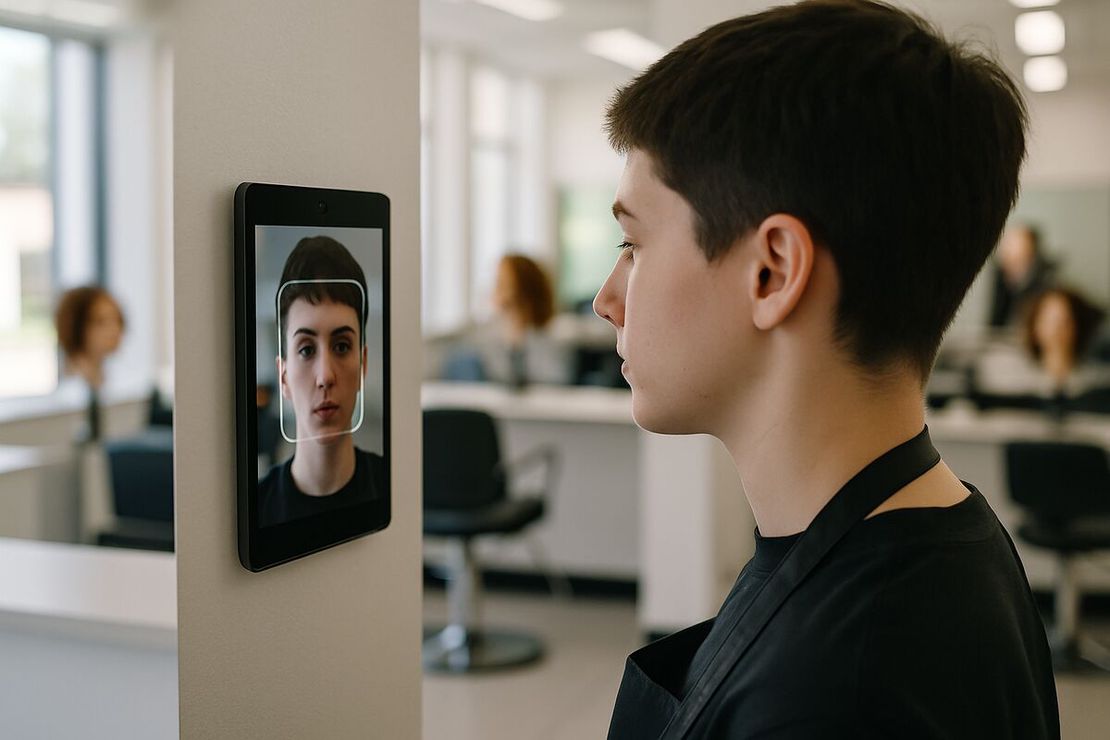
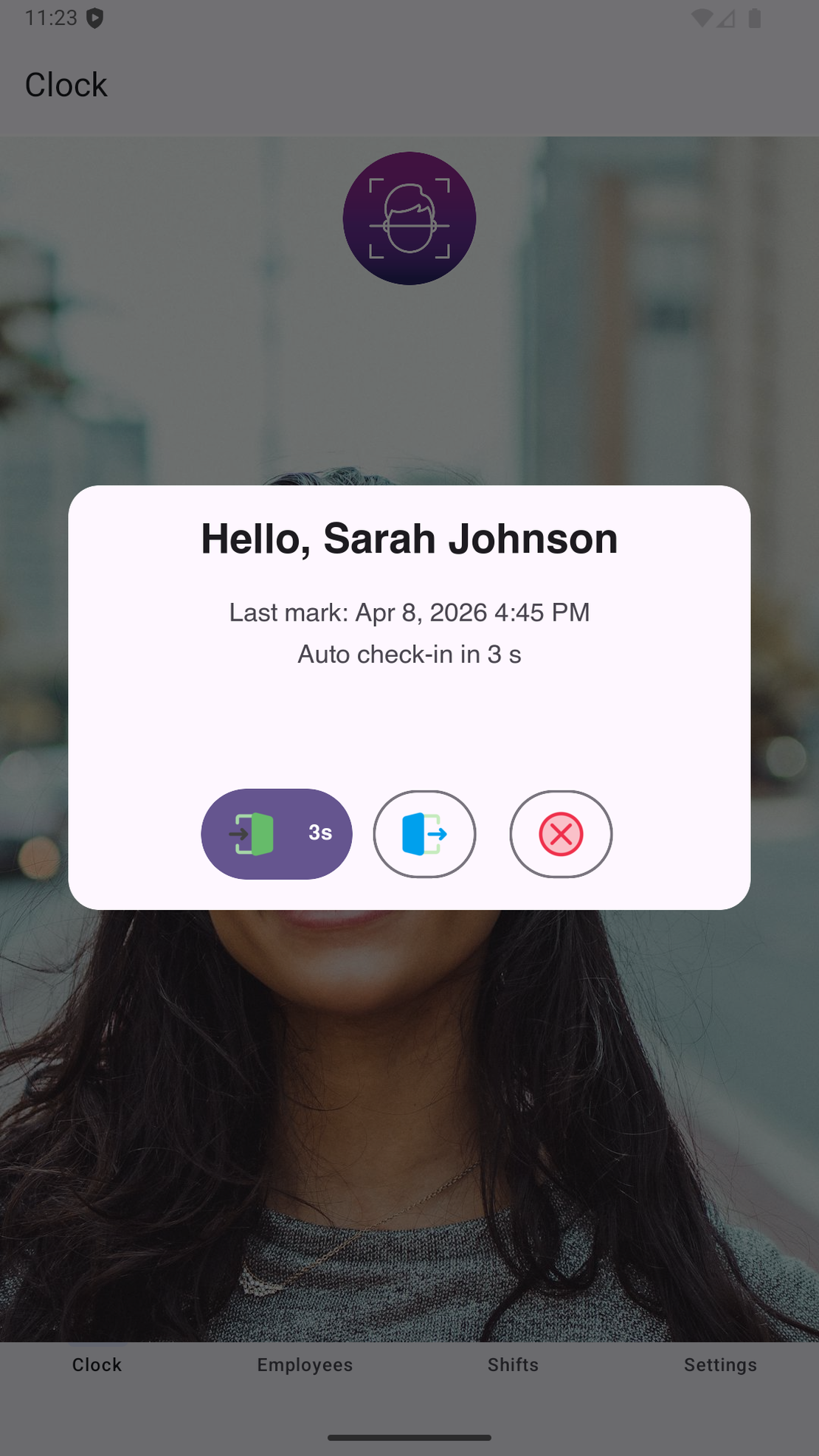
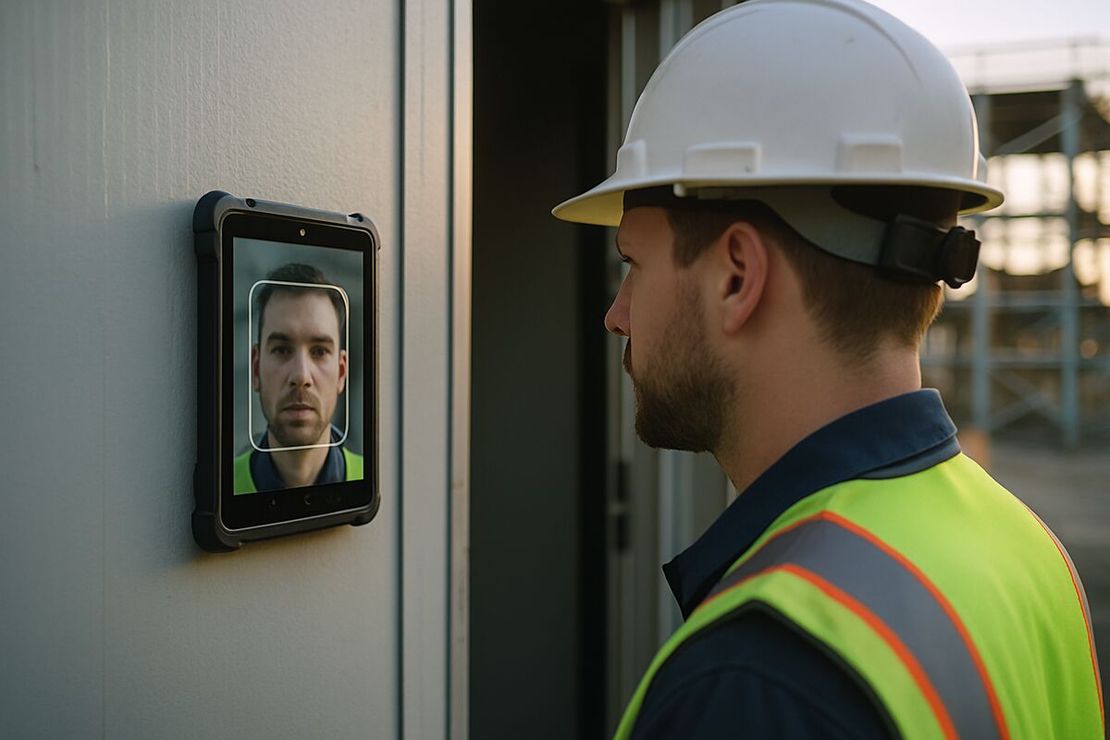
A rugged Android tablet in a case, mounted at the entrance or just inside the site office door. Workers tap it and look at the camera when they arrive and when they leave. The app matches the face against the people registered on that tablet and writes the time with a photo.
New guys register themselves at the gate on day one: type a name, hold still for one reference photo, done. Nobody does admin the night before.
There’s no internet involved anywhere. FaceClock has no network permission at all, so a basement pour with zero bars works the same as a site office with fiber. Compare that with cloud clocks, which queue punches when coverage drops and hope for the best.
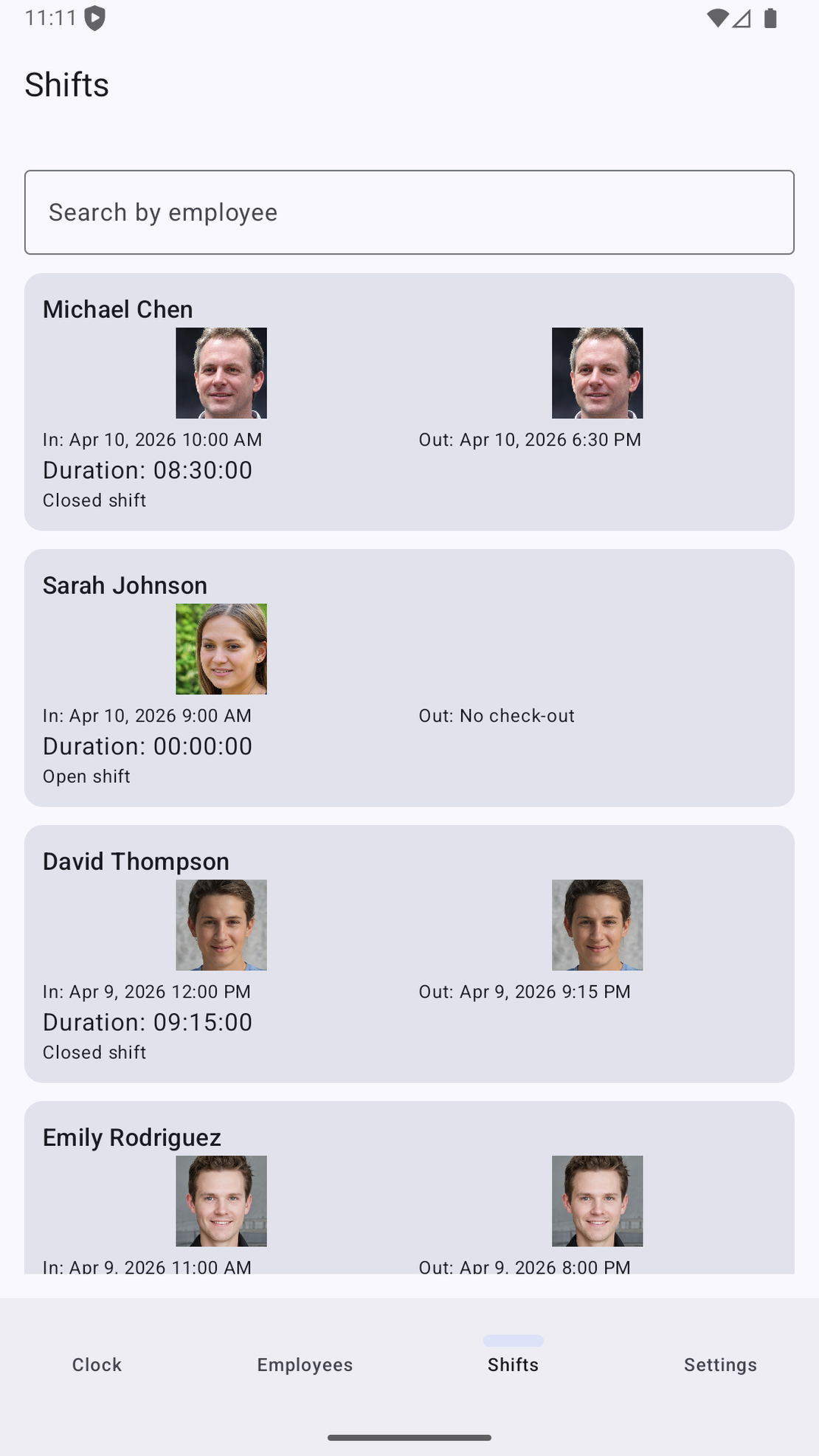
At the end of the week you export a CSV with names, times and durations, or a PDF that includes every photo, and send it to whoever does payroll. Punches can’t be edited in the app. If someone forgot to clock out, the correction goes into the payroll file with a note and the original record stays as it was.
Masks, mud and generators
Hard hats and safety glasses are fine. Dust masks and respirators aren’t, because recognition needs most of the face. Either people pull the mask down for the second it takes, or you put the tablet inside the site office where masks come off anyway.
Gloves don’t matter. Neither does mud on your hands, which is a big part of why fingerprint readers die on sites and this doesn’t.
Power comes from the site office. If the generator goes off overnight, a power bank keeps the tablet alive until morning, and you can turn off keep-screen-on outside working hours.
Low winter sun is the one that catches people out. At 7 a.m. it shines straight into the camera from behind the worker. Mount the tablet so light falls on faces, or put a small LED above it.
One more limit: about 50 people per device is comfortable. Recognition slows down as the registered set grows. A 200-person site needs several gates with their own tablets, or a proper terminal.
Davis-Bacon, BIPA and the paperwork
On US federal projects under Davis-Bacon, contractors submit weekly certified payroll on form WH-347 with hours per day for every worker. FaceClock doesn’t fill that form in. What it gives you is a punch with a photo behind every number, which is much easier to defend if the hours are ever questioned.
Faces are biometric data, so check the law before you mount anything. Illinois BIPA requires a written release before the first scan. In 2023 the Illinois Supreme Court ruled in Walton v. Roosevelt University that unionized workers covered by a collective agreement have to take BIPA claims through the grievance process, not to court. Useful to know. Not something to build your compliance on. In the EU it’s GDPR, and works councils often get a say.
The safe version is short: a one-page notice at the gate, consent where the law requires it, and a paper sheet for anyone who says no. Details are in biometric time clocks and the law.
Who it’s for
A small builder with one or two live jobs, each with a gate or a trailer everyone passes, and crews of up to about 50. Someone who wants proof of attendance without paying per head and without asking a laborer to install an app on his phone.
Not a service plumber, electrician or roofer whose crew hits four addresses a day. They need GPS, not a gate. Not a general contractor who wants live dashboards across twenty sites, job costing per task or a direct link into payroll software. And not a crew that needs the app in Spanish, Polish or Portuguese, because the interface is English and Russian only.
Each tablet also keeps its own roster. A worker who moves between three sites registers on three tablets, and you merge three exports. Fine at two sites, annoying at five.
If you’re weighing wall terminals against cloud apps in general, the facial recognition time clock guide compares them. If you want to see how a week of punches turns into payroll without any cloud account, read tracking employee hours without the cloud.
Try it on a phone you already own.
FaceClock runs on most Android devices from the last five years. Install it, mount it by the door, and your team registers itself on the first clock-in. Shifts start logging the same day. No account. No card.