Time clock for cleaning companies: a tablet in the client's building for night crews
- FaceClock Team
- Use cases
- October 24, 2026
Table of Contents
Contract cleaning has an awkward timekeeping problem. The work happens in somebody else’s building, usually after everyone has gone home, and the person paying for it never sees it being done.
So the client asks: were three cleaners here for four hours last night, or one for two? And the cleaning company, honestly, often isn’t sure either. The supervisor checks three buildings a night. The rest is trust and a WhatsApp message saying “done”.
We make FaceClock, a face-recognition time clock that runs on one Android device with no internet. A cleaning company is one of the setups where it fits well, with one big condition about the building. Here’s the whole picture.
One tablet per building
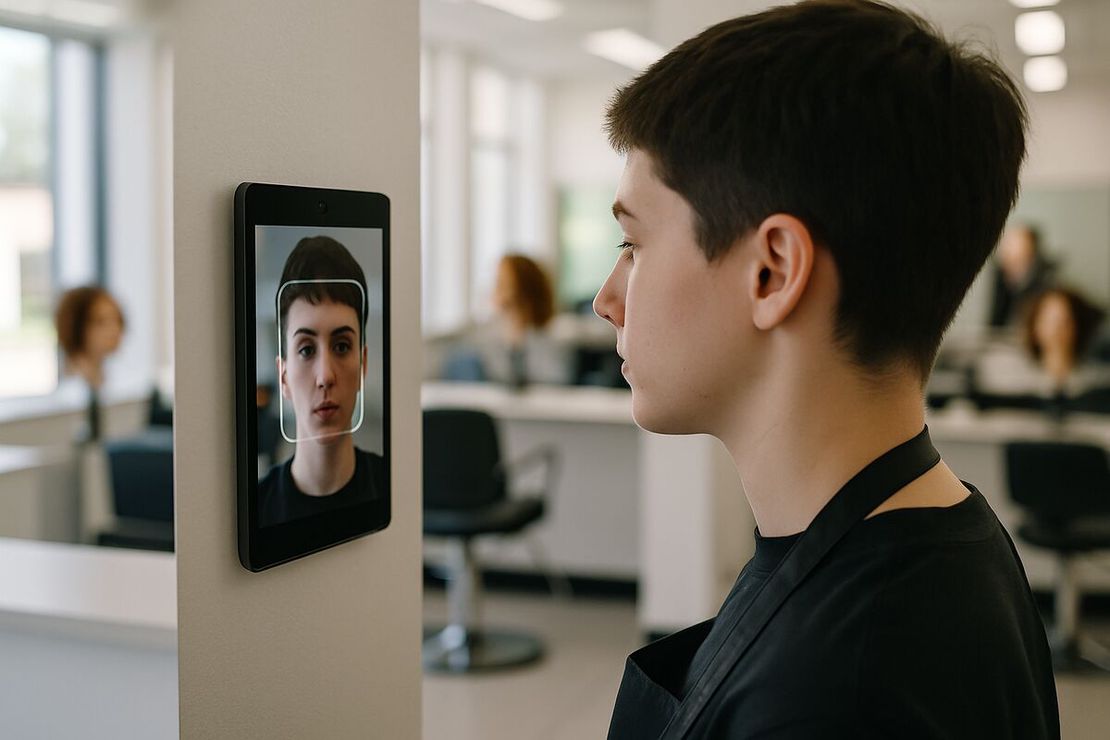
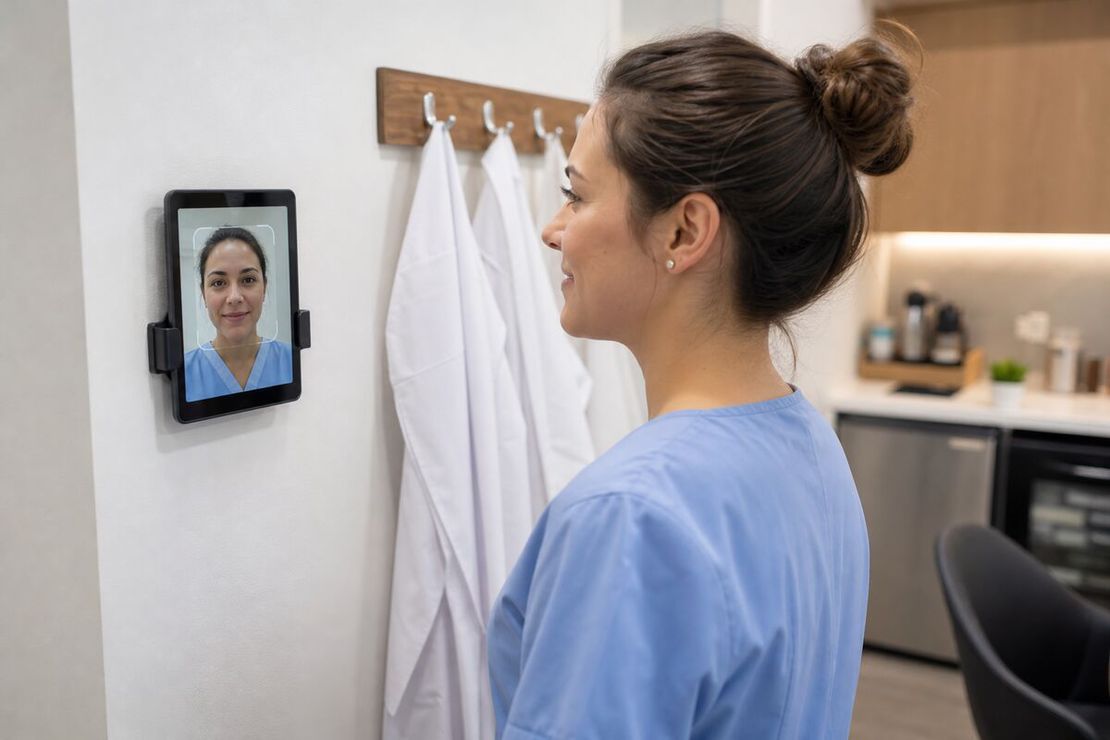
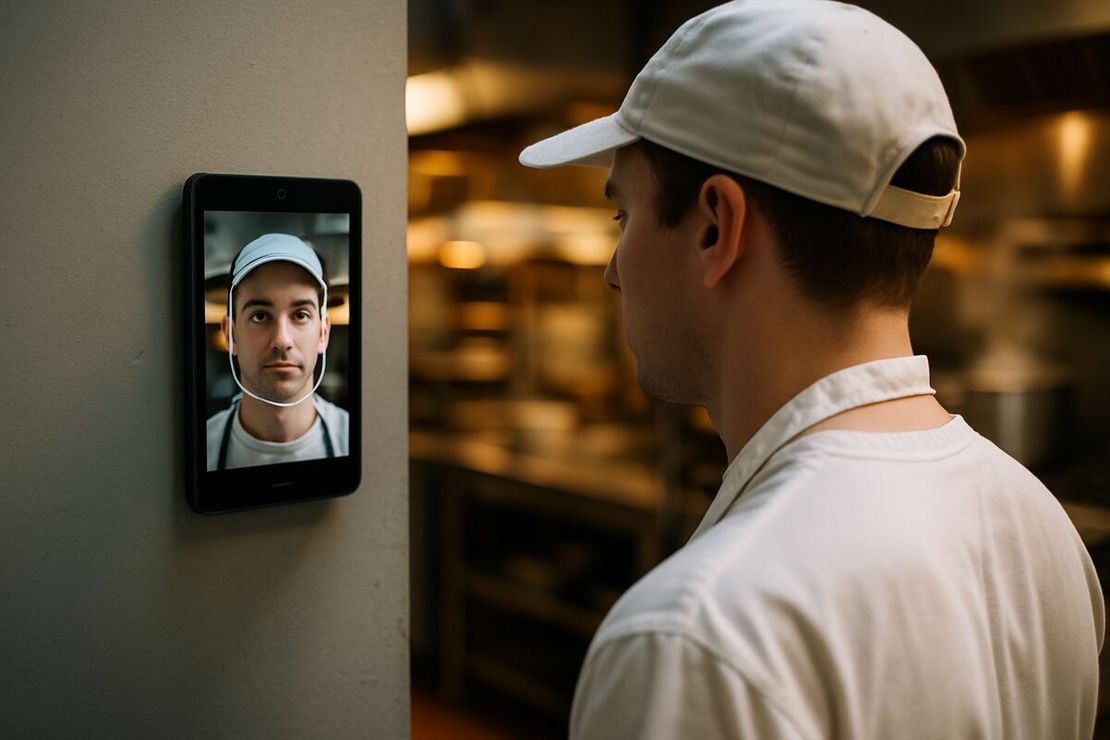
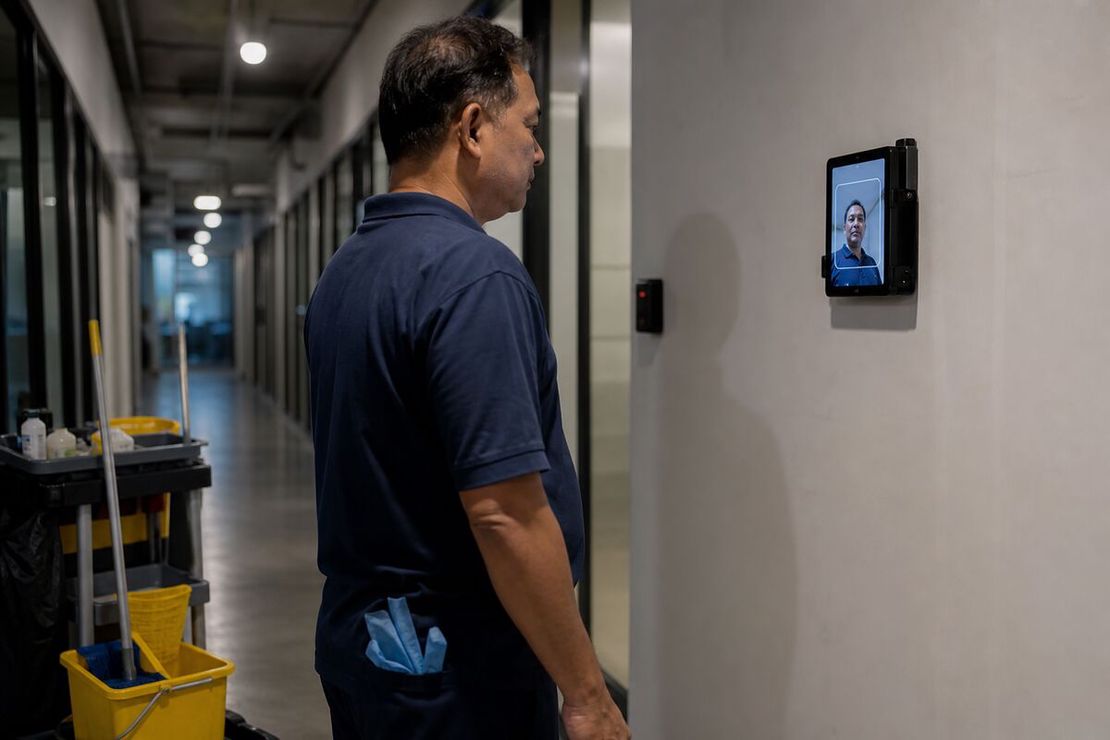
The idea is simple. You leave a tablet in each client building you clean regularly. Wall-mounted in the janitor’s room, the loading bay corridor, or the service entrance, wherever your crew passes on the way in.
Cleaners arrive, tap and look at the camera. The app recognizes them and saves the time with a photo. On the way out, same again.
Because FaceClock has no internet permission, the client’s IT doesn’t have to let anything onto their network. No Wi-Fi password, no firewall request, no security review of a cloud vendor. That alone can make the difference between “yes, mount it” and a three-week email thread with facilities.
This is also the condition. You need the client’s agreement to put a device on their wall and a power socket to plug it into. Most facilities managers say yes when you explain it’s offline and only photographs your staff. Some won’t, and then this isn’t the tool.
What the client gets
Every month, or every week if they want it, export a PDF from that building’s tablet. Every shift has the cleaner’s name, the time in, the time out and both photos.
Attach it to the invoice. When a client’s office manager says the kitchen hasn’t been done since Tuesday, you can show exactly who was in the building Tuesday, Wednesday and Thursday, and for how long. That moves the conversation from “did you come” to “what did you miss”, which is a much better conversation.
Shifts can’t be edited on the device. Not by the cleaner, not by the supervisor. A record that nobody can touch is worth more to a skeptical client than a neat spreadsheet.
Rosters and cover shifts
Each tablet keeps its own list of people. A cleaner who works three buildings registers on three tablets, once each. It takes thirty seconds and happens on their first shift there: the app sees an unknown face and asks for a name.
That also handles cover. When Maria is sick and Ahmed covers her building for one night, he registers on arrival and his shift is recorded under his name, not hers. No more “Maria” punches done by someone else.
When a cleaner leaves the company, delete them from each tablet they used. That removes the reference photo and face data. Their past shifts stay until the automatic 90-day cleanup.
Collecting the data
The tablets don’t sync anywhere, so someone collects the exports. Two ways that work:
- The supervisor exports on their rounds. Open the Shifts screen, export CSV and PDF, share to email or a USB drive. Five minutes per building per week.
- The site lead does it. For a large building with a permanent crew, the lead cleaner exports on Friday.
Export at least monthly. The device deletes shift records older than 90 days, automatically, every hour.
Night-specific practicalities
- Keep the screen on, keep it charged. Settings has a keep-screen-on toggle. Plug the tablet in permanently.
- Light. Service corridors at night are dim, and some buildings switch lights to motion sensors. Mount the tablet under a light that’s on whenever the crew is there.
- Gloves are fine. The cleaner taps one big button. Fingerprint readers and gloves don’t get along. Faces and gloves do.
- Shifts after midnight. A crew working 22:00 to 02:00 gets one 4-hour shift. Timestamps are real, nothing breaks at midnight.
What it doesn’t do
- No GPS. A cleaner doing five small offices a night, 20 minutes each, can’t have a tablet in each one. That’s a job for a mobile app with geofencing.
- No task checklists. It records attendance, not whether the bins were emptied.
- No central dashboard. With 40 buildings you have 40 separate tablets and 40 exports to merge.
- About 50 people per device, which is never the limit for a cleaning crew in one building.
- English and Russian interface. Many cleaning teams speak neither as a first language. Clocking in is one button and a camera, so it works, but the manager screens are in English or Russian.
Consent
Faces are biometric data. Your cleaners are your employees, so the consent duty is yours, not the client’s. A short written notice, consent where the law requires it (Illinois BIPA, GDPR in the EU), and a paper alternative for anyone who refuses. See biometric time clocks and the law.
Cost
The app is free. A refurbished Android 7.0+ tablet costs $100 to $150, and a lockable wall case is a good idea in a shared building, another $30 to $60. For a company cleaning 10 buildings, that’s around $1,500 once, against a per-cleaner subscription forever.
If your crews also do warehouse or industrial sites, the warehouse and manufacturing pages cover those buildings. For turning the exports into payroll, read tracking employee hours without the cloud.
Try it on a phone you already own.
FaceClock runs on most Android devices from the last five years. Install it, mount it by the door, and your team registers itself on the first clock-in. Shifts start logging the same day. No account. No card.