
FaceClock Team
We build FaceClock - a face-recognition time clock that lives on a single Android phone. No cloud. No subscription. No data leaving the device. The project started because most time-tracking tools assume you have constant internet, a paid SaaS account, and a willingness to send employee biometrics to a third-party server. Plenty of small teams have none of those.
Articles signed by the team are written by people who use the app daily - and who answer support emails directly.
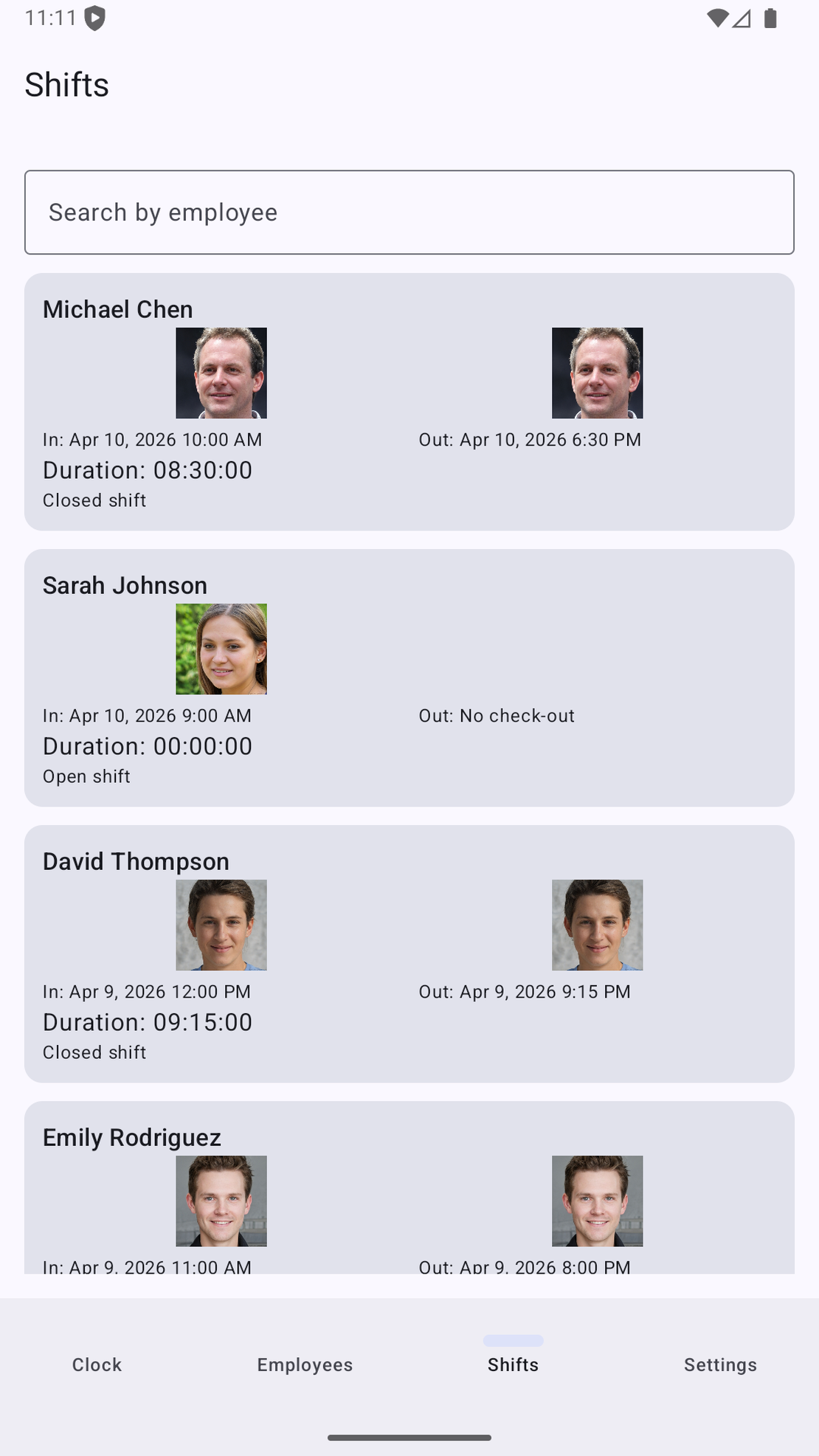
The fundamentals of shift scheduling - what every small-team manager learns the hard way
The first time I ever made a shift schedule for a small team, I made every classic mistake in about three days. I scheduled someone for a shift that started thirty minutes after their previous one ended, in the same week. I forgot that the law in our jurisdiction required at least 11 hours of rest between shifts. I assumed that if someone clocked in at 11 p.m. and clocked out at 7 a.m., that was eight hours - which it is, but the payroll system disagreed because the shift “spanned two days” in the wrong way. I learned what “split shift premium” meant the day someone politely asked why their pay envelope was light. I had a schedule that looked clean on paper and produced two grievances in week two.
Read More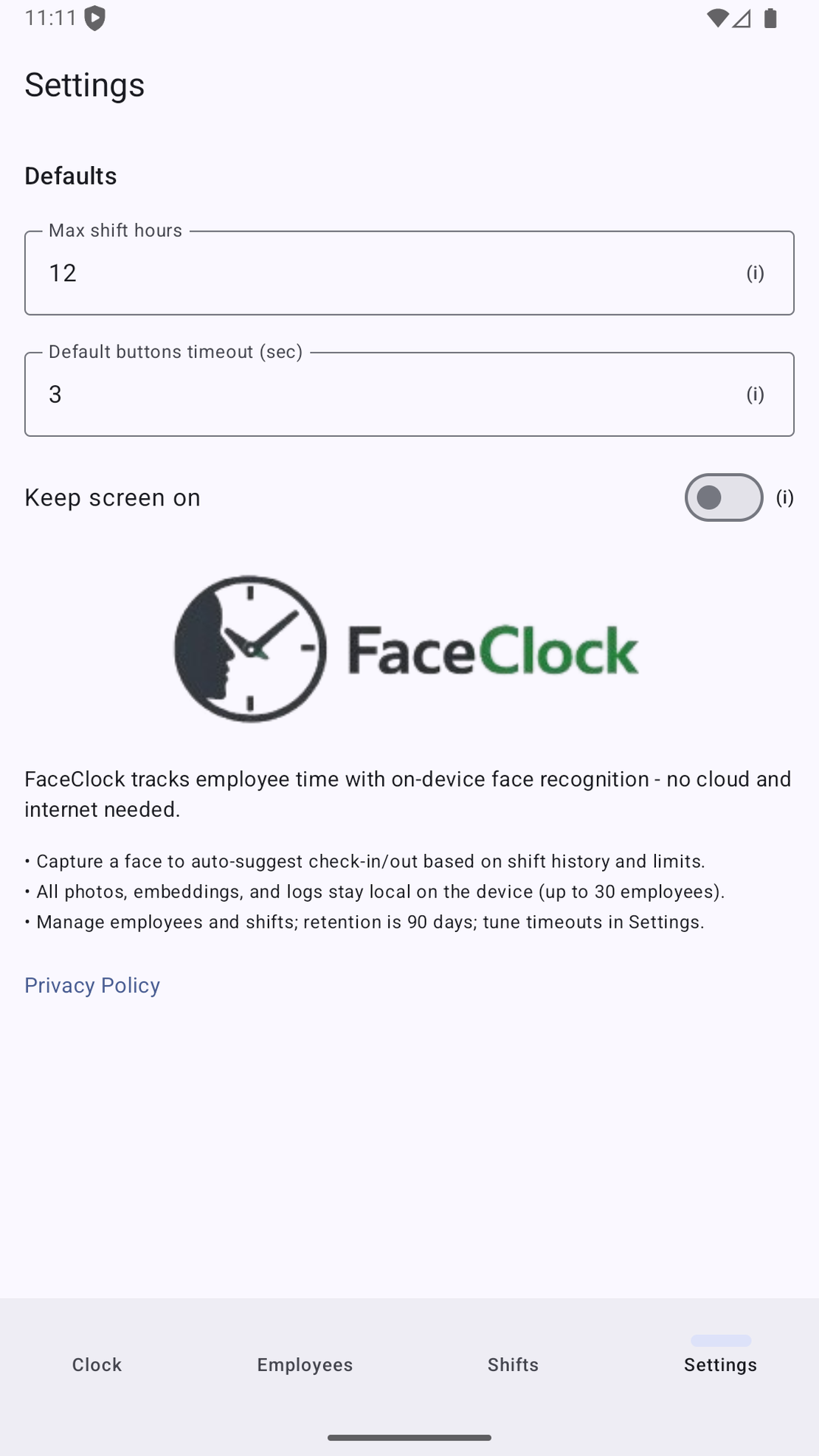
Biometric data and the law - GDPR, BIPA, CCPA, and what 'on-device only' actually means
This article exists because I keep getting the same email. It usually starts: “We were thinking of using face-based time tracking, but our HR person flagged that we’d have to comply with [law]. Is that going to be a nightmare?”
Read More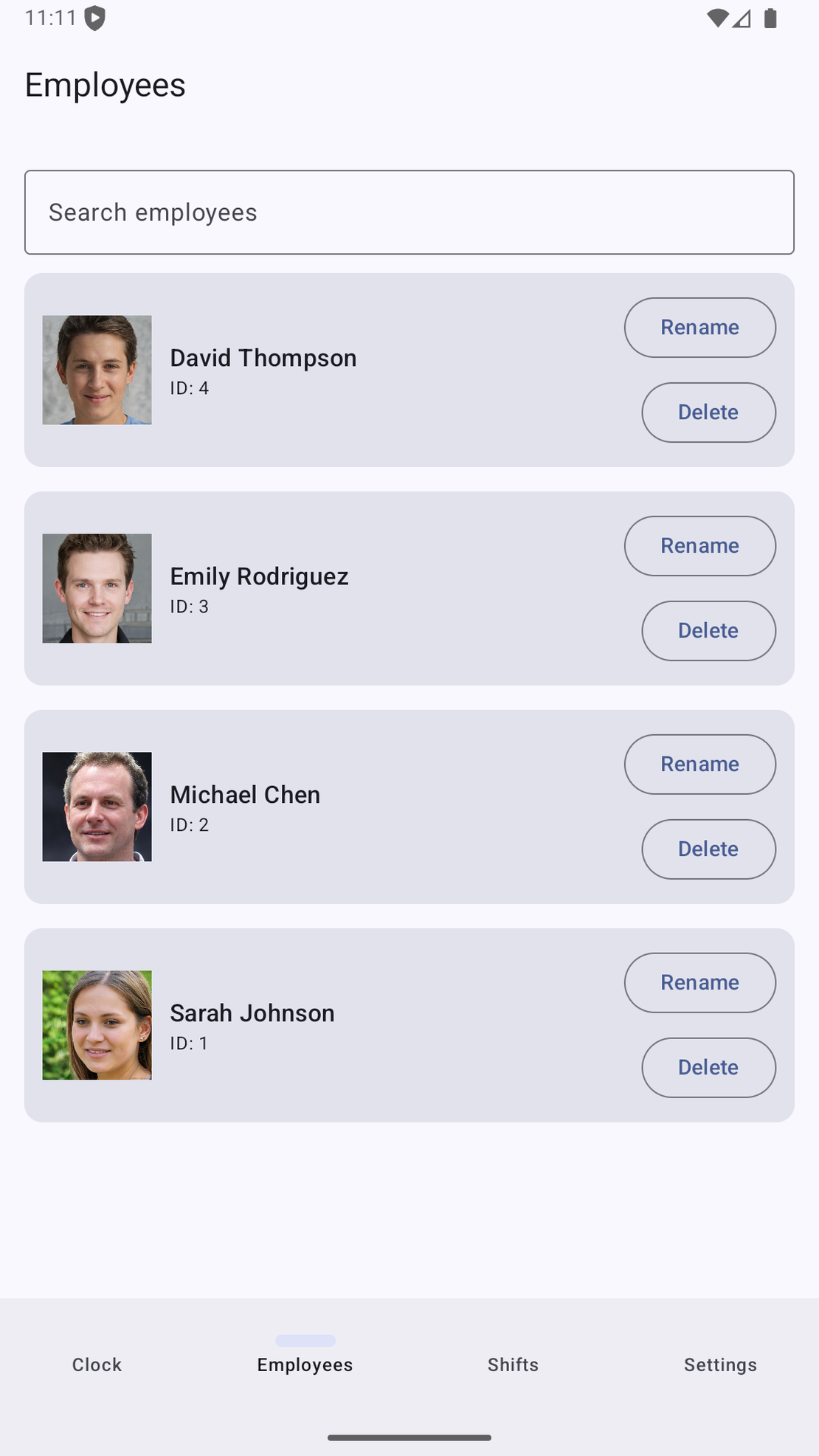
FaceClock vs Hubstaff vs Toggl Track - what each one is actually for
I get this question by email about once a month. Some variation of: “I’m choosing between FaceClock, Hubstaff, and Toggl Track - which one is best?”
Read MoreHow to track employee hours without sending a single byte to the cloud
There’s a quiet assumption baked into almost every time-tracking product on the market: that an employee’s clock-in event is a piece of data that should be uploaded somewhere. Usually to the vendor’s cloud. Sometimes mirrored across three regions for “redundancy.” Often retained indefinitely under a vague “as long as needed for the service” clause.
Read More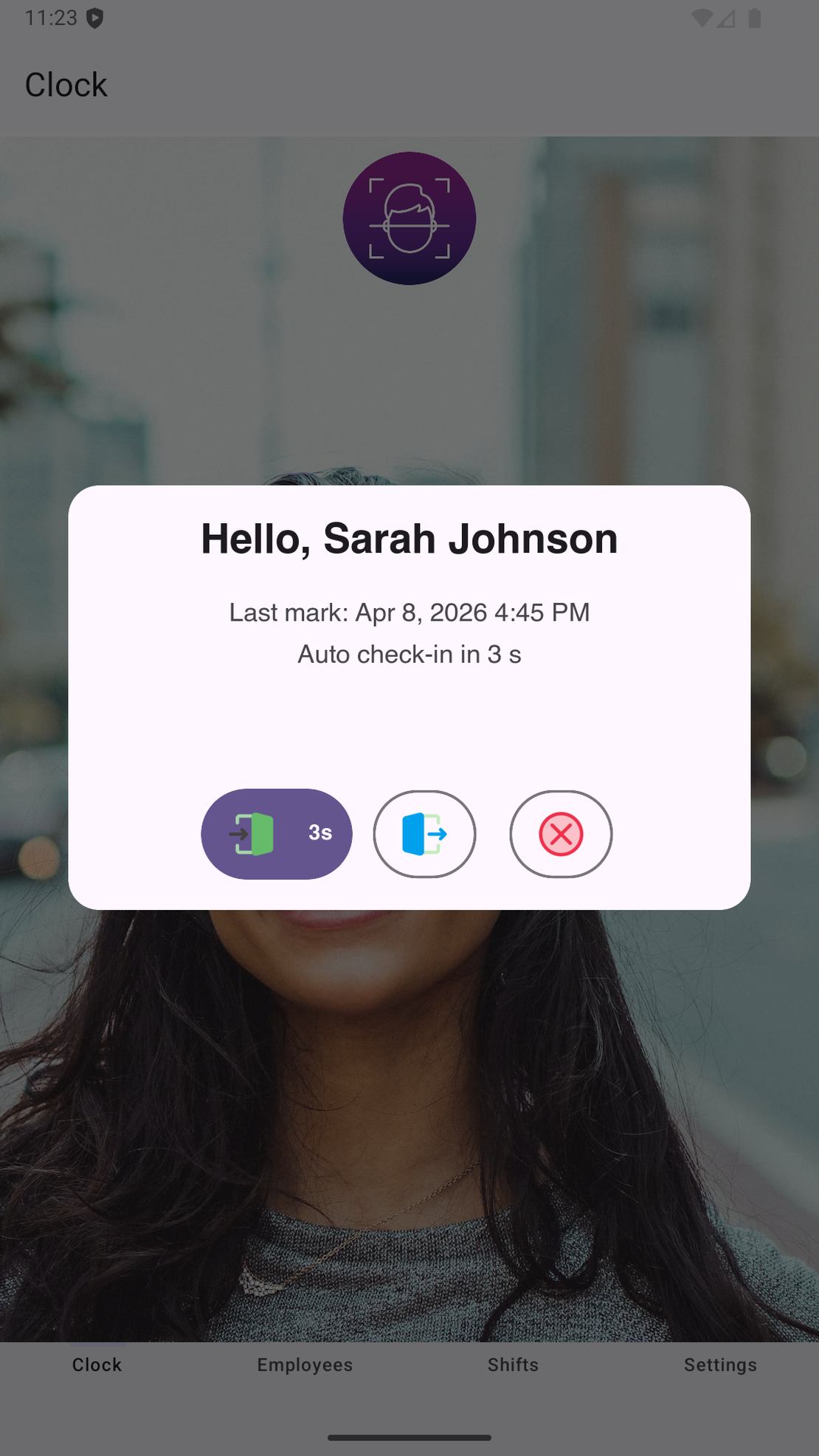
Time tracking for cafes and restaurants - what actually works on a busy Saturday
A friend of mine runs a coffee shop in Lisbon. Twelve staff, three managers on rotation, a constantly-shifting student crew. Last summer he sent me a long voice note around 2 a.m. on a Sunday. The gist of it: their cafe’s WiFi had crapped out at 11 a.m. on Saturday, taking down the time-tracking app that runs on the iPad by the till. Nobody could clock in for four hours. Nobody knew whether to wait it out or scribble names on a napkin. By the end of service the shift log had gaps in seven different places, and reconstructing payroll for that day cost him most of his Sunday.
Read More